
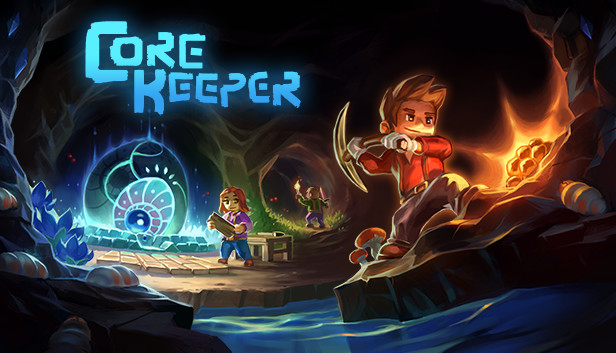
Core Keeper - Keyboard to Controller
Survival
Core Keeper is a top-down mining-survival game where LMB is the universal attack/mine/chop action and RMB places blocks - simpler than a shooter, so movement, interact and inventory (Tab/E) take priority over any aim-stick tuning.
Keyboard · Sticks & triggers · Haptics & lightbar
by OmniControl · 0 imports
Core Keeper (PS5 Remote Play)
Survival
Core Keeper's right stick aims and moves the map cursor instead of turning a camera, so mouse look stays off and the keyboard does all of it. Left mouse is the R2 attack and right mouse the L2 use, E interacts on Cross, Tab opens the inventory on Square, M the map on Triangle and Space the off-hand on Circle, with Shift on the pad's torch swap. The wheel steps equipped items the way L1 and R1 do, 1 to 4 reach the d-pad a pad uses for hotbar slots, and full diagonals are on so a two-key diagonal moves as fast as a straight line.
Keyboard & Mouse · Output · Haptics & lightbar
by OmniControl · 0 imports
Core Keeper - Tile Precise Aim
Survival
Shapes the right stick so the aim cursor settles on one tile instead of overshooting, with a low aim deadzone for fine corrections and a wider left deadzone so you do not step off the tile you are building from.
Sticks & triggers · Haptics & lightbar
by OmniControl · 0 imports
Made a setup you love?
Share it with the community, and other players can import it in one click.
Every pack is free to browse and import. Lighting, haptics, motion and key binds apply straight away; buttons, sticks and triggers reach your game once Emulation is on. Only creating and sharing your own pack needs Pro.