Skip to content

PS5 Remote Play · Windows 10 & 11

Play your PS5 from your PC with keyboard and mouse

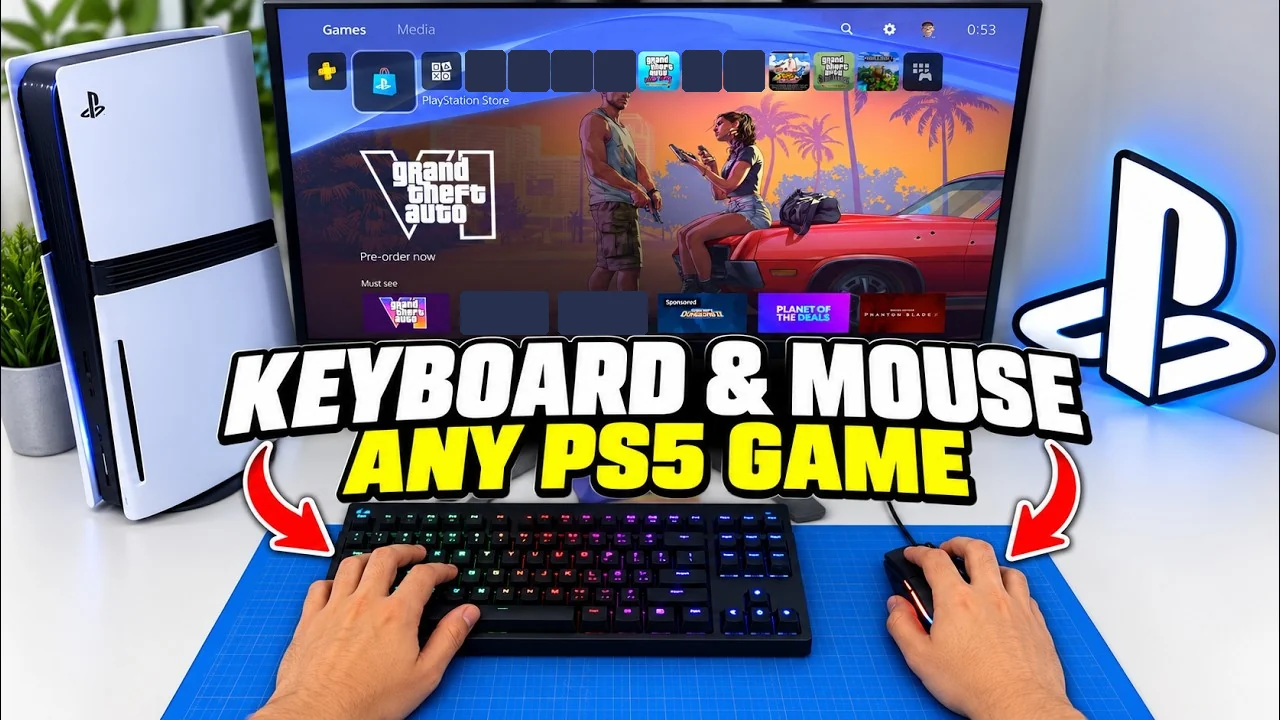
chiaki-ng streams your PS5 to your PC. OmniControl turns your keyboard and mouse into the controller it sends, with the mouse moving the camera, which chiaki-ng cannot do on its own today.

Free to download. Playing through Remote Play needs Pro, from $9.99/mo.

  1. Your keyboard and mouse

    Bound to a controller, per game.

  2. OmniControl

    Presents a virtual DualShock 4 on your PC.

  3. chiaki-ng

    Reads it like a real controller and streams.

  4. Your PS5

    Plays the game and streams the picture back.

A wired connection to the console is best for the stream.
Why it needs OmniControl

chiaki-ng streams the game. OmniControl puts your mouse on the camera stick.

chiaki-ng can map keys to buttons, but today it cannot put your mouse on the camera stick. Mouse-to-stick has been requested since March 2026. OmniControl does that part.

chiaki-ng on its own

  • Keys press buttons, and push a stick all the way or not at all.
  • Today, the mouse cannot move the camera stick.
  • Every controller it can see is merged into one, so a pad left plugged in fights your keys.

With OmniControl

  • Your mouse moves the right stick. Each aiming preset sets a mouse speed for its game, and you can change it.
  • Held keys ease the sticks and triggers in and out, so you can feather the throttle and brake.
  • Presets for about 60 PS5 games, picked from a list in the app and editable bind by bind.
  • It notices chiaki-ng running and warns you if a real controller is still visible to it. With the free HidHide driver installed, one click hides it; without it, unplug the controller.
Presets

Presets for about 60 PS5 games

Each one is a starting point you can change bind by bind, and any other game can be set up by hand. A few of them:

Grand Theft Auto VI

GTA VI is due on PS5 on 19 November 2026. Its two presets, on foot and Driving, are already in the catalog, carried over from GTA V and Red Dead Redemption 2, and neither can be checked in the real game until it is out. See the preset

Browse every game pack

Setup

Set up in six steps

Each Remote Play preset's page carries setup steps as well, and so does the app when you import a preset from Game Packs.

  1. 01

    Install chiaki-ng and pair it with your PS5

    chiaki-ng is a free, open-source Remote Play client, and the one OmniControl is built and tested with. Use version 1.10.0 or newer.

  2. 02

    Turn off chiaki-ng's own keyboard and mouse input

    In chiaki-ng's settings, untick Keyboard as controller and Enable Mouse Touchpad, and unplug or hide any controller you are not using. chiaki-ng merges every input it can see, so anything left on fights your binds.

  3. 03

    Set OmniControl's output to DualShock 4

    On the Emulation page, choose DualShock 4 and start it. The PlayStation presets are built for that pad. If the ViGEmBus driver it needs is missing, the Start button installs it for you; Windows may ask you to restart before it works.

  4. 04

    Pick your game's preset

    On the Dashboard, turn on Drive a Controller, then click Open Drive a Controller to tune it. Under Game presets, pick your game's PS5 Remote Play preset and confirm Use preset.

  5. 05

    Connect

    Start chiaki-ng and connect to your PS5. It picks up the virtual DualShock 4 the same way it would a real controller plugged into this PC.

  6. 06

    Launch the game and play

    Start the game on your PS5. A wired connection to the console helps the stream more than any setting.

What you need

PCWindows 10 & 11 64-bit
ConsoleA PS5 with Remote Play turned on
Remote Play clientchiaki-ng 1.10.0 or newer (free)
OmniControlPro, for Drive a Controller and emulation. See plans

Good to know

Is there input lag?

Remote Play streams video, so there is always some delay between your hand and the screen. A wired connection to the console does more for that than any setting. We have not measured the delay end to end, so we do not quote a number.

Does it work with Sony's PS Remote Play app?

OmniControl is built and tested with chiaki-ng. Sony's own PS Remote Play app has not been tested with OmniControl's virtual controller, so we do not promise it works.

Does it work on PS4?

Every preset is made for PS5. chiaki-ng can also connect to a PS4, but that has not been tested with OmniControl.

Will aiming feel like a PC mouse?

Not exactly. Your mouse drives the controller's right stick, so the game's own stick handling still applies and the fastest flicks are capped by how fast the game lets a stick turn. Each aiming preset sets a mouse speed you can change, and the stream adds its own delay on top.

Do DualSense features come through?

No. OmniControl emulates a DualShock 4, the only PlayStation controller its driver can create, so there is no motion input, adaptive trigger or DualSense haptic feedback through this setup.

My character walks by itself. Why?

Usually a real controller is still connected, and chiaki-ng is merging it with OmniControl's. Unplug it, or turn on Hide my controller on OmniControl's Emulation page, which needs the free HidHide driver.

Which games work?

About 60 PS5 games have a ready-made preset, and every bind in a preset can be changed. Any other game can be set up by hand on the Drive a Controller page, though we have not tried every game that way.

Is it free?

Downloading OmniControl and browsing presets are free. Playing through Remote Play uses Drive a Controller and emulation, which need Pro: $9.99 a month or $59.99 a year.

Can I get banned?

OmniControl contains no anti-cheat evasion. In online games, a publisher can detect keyboard and mouse played through a virtual controller and penalise your account for it, and that risk sits with you as the player.

Is OmniControl part of chiaki-ng, or made by Sony?

No. chiaki-ng is a separate open-source project that is not endorsed by Sony, and OmniControl is not affiliated with either. OmniControl provides the controller that chiaki-ng reads.

OmniControl

Play your PS5 from your PC.

Download it free, pair chiaki-ng with your PS5 and pick your game's preset. Playing through Remote Play needs Pro.

v2.9.3 · Windows 10 & 11 64-bit · free tier