
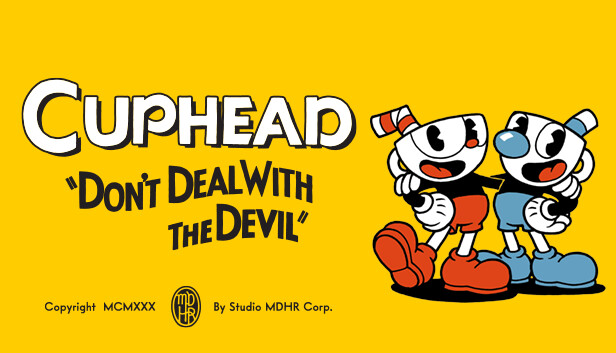
Cuphead (PS5 Remote Play)
Platformer
Shoot holds on left mouse and the aim lock holds on right mouse, so your right hand pins one of the eight directions while WASD keeps moving. Space is jump, which is also the parry when you press it in mid air, dash sits on Shift and the first side mouse button, E fires the EX move and the Super Art once the card meter is full, and Q swaps weapon. The left stick runs with no ramp and forced diagonals so W plus A is an exact 45 degrees, and the arrow keys drive the d-pad for a fully digital eight-way aim.
Keyboard & Mouse · Output · Haptics & lightbar
by OmniControl · 0 imports
Cuphead - Keyboard to Controller
Platformer
Shoot held on the trigger, dash and parry on the face buttons, lock on the bumper - run-and-gun timing without a pad.
Keyboard & Mouse · Haptics & lightbar
by OmniControl · 0 imports
Cuphead - Run-and-Gun Snap
Platformer
Low-deadzone, snappy left stick so eight-way run-and-gun aiming and parry-dashes lock cleanly to their directions, with a bold 1930s Cuphead red lightbar.
Sticks & triggers · Haptics & lightbar
by OmniControl · 0 imports
Made a setup you love?
Share it with the community, and other players can import it in one click.
Every pack is free to browse and import. Lighting, haptics, motion and key binds apply straight away; buttons, sticks and triggers reach your game once Emulation is on. Only creating and sharing your own pack needs Pro.