
Dead by Daylight
OmniControl setups for Dead by Daylight. Free to browse and import.
5 configs
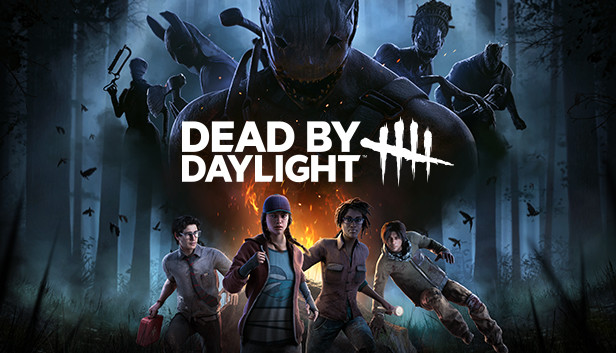
Dead by Daylight (Survivor) - Keyboard to Controller
Co-op
DbD survivor's real default: Shift sprint, Space vault/climb (a held context-action over obstacles, not a jump), Ctrl crouch, and Space also confirms skill-check timing since that's a press-timing action rather than a unique key - this reuses the interact bind rather than inventing a fake dedicated one.
Keyboard · Sticks & triggers · Haptics & lightbar
by OmniControl · 0 imports
Dead by Daylight (Killer) - Keyboard to Controller
Co-op
DbD killer's real default: LMB attack/lunge (lunge is a timed extension of the same attack, not a separate key), a unique power ability per killer bound generically to a dedicated key, break-pallet folding into the attack action (context-sensitive against a pallet), and a terror-radius/red-stain-relevant camera bind left free.
Keyboard · Sticks & triggers · Haptics & lightbar
by OmniControl · 0 imports
Dead by Daylight Survivor (PS5 Remote Play)
Horror
The survivor half of the game, with the action button on both Space and right mouse so a skill check is never fighting the interact hold, and no aim scaling because third person survivor play gains very little from a mouse.
Keyboard & Mouse · Output · Haptics & lightbar
by OmniControl · 0 imports
Dead by Daylight Killer (PS5 Remote Play)
Horror
The killer half of the game at 26 cm per 360, the fastest turn on this slate, because first person killer turn rate is the one place in Dead by Daylight where a mouse is a real advantage over a stick.
Keyboard & Mouse · Output · Haptics & lightbar
by OmniControl · 0 imports
Dead by Daylight - Controller Tuning
Survival
Balanced stick and trigger tuning for Dead by Daylight - a steady survivor camera and a crisp, tactile killer attack.
Sticks & triggers · Haptics & lightbar
by OmniControl · 0 imports
Made a setup you love?
Share it with the community, and other players can import it in one click.
Every pack is free to browse and import. Lighting, haptics, motion and key binds apply straight away; buttons, sticks and triggers reach your game once Emulation is on. Only creating and sharing your own pack needs Pro.