
EA Sports College Football 27
OmniControl setups for EA Sports College Football 27. Free to browse and import.
3 configs
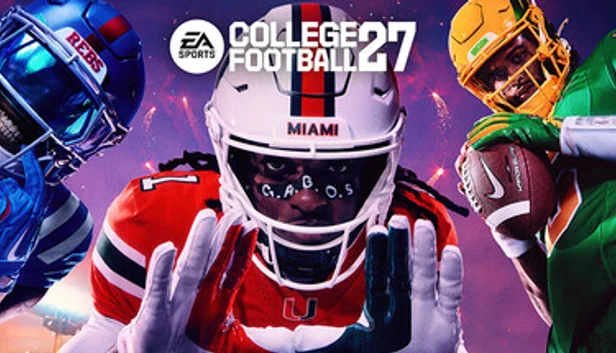
EA Sports College Football 27 - Keyboard to Controller
Sports
CFB/Madden-style football is controller-native even on console - real PC keyboard binds mirror the pad layout directly onto letter keys rather than mouse aim, since receiver/play selection is context-based, not aimed. Snap, sprint, juke/spin, and pass-to-receiver each get dedicated keys matching EA's own keyboard scheme.
Keyboard · Sticks & triggers · Haptics & lightbar
by OmniControl · 0 imports
EA Sports College Football 27 (PS5 Remote Play)
Sports
WASD drives the left stick for player movement and pre-snap motion, and the pass targets sit where a College Football keyboard hand expects them, so Space and E both reach Cross for the snap and receiver one, F reaches Circle for receiver two, the spin and the player switch, Q reaches Square for the audible, the slide and the aggressive tackle, and R and H both reach Triangle for the hot route, the hurdle and the swat. Shift holds R2 for sprint and show play art, Ctrl holds L2 for pass protection and global coverage, Alt is the L1 high pass modifier, left-click is R1 for receiver five and the strip, and Tab or right-click clicks R3 for the pre-play menu and to throw the ball away. There is no mouse aim in this preset because this game's right stick is the hit stick and the truck stick rather than a camera, so it stays a keyboard layout with the arrow keys on the D-pad.
Keyboard & Mouse · Output · Haptics & lightbar
by OmniControl · 0 imports
EA Sports College Football 27 - Open Field Control
Sports
Sprint reaches full at 60 percent of the right trigger pull, truck and juke flicks fire from a shorter right stick push, and a firmer left stick curve keeps small cuts inside a running lane controllable.
Sticks & triggers · Haptics & lightbar
by OmniControl · 0 imports
Made a setup you love?
Share it with the community, and other players can import it in one click.
Every pack is free to browse and import. Lighting, haptics, motion and key binds apply straight away; buttons, sticks and triggers reach your game once Emulation is on. Only creating and sharing your own pack needs Pro.