Game Packs
Hollow Knight packs
OmniControl setups for Hollow Knight. Free to browse and import - try one on a fresh profile without touching your own.
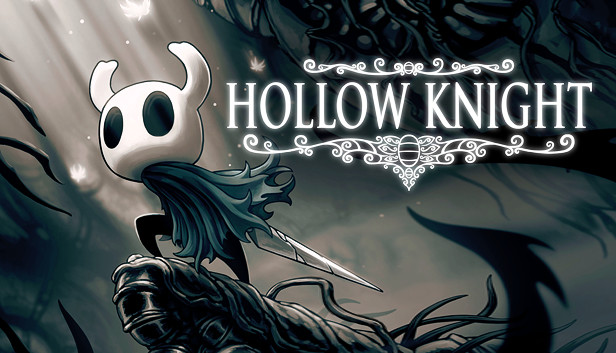
Hollow Knight (PS5 Remote Play)
Hollow Knight · Platformer
by OmniControl
The nail is on left mouse and Focus is on right mouse, so the heal is a hold on a button your hand already owns, with quick cast on F where Hollow Knight's own keyboard default puts it. Dash is Shift, the Crystal Heart super dash is Ctrl, the dream nail is E, and quick map and inventory stay on Tab and I, the game's own keys. The left stick runs with no ramp and forced diagonals so a down plus attack pogo or an up slash reads cleanly, and the arrow keys drive the d-pad for fully digital eight-way input.
- Keyboard & Mouse
- Output
- Haptics & lightbar
0 imports