
· 5 min read
Emulation, explained: what a virtual controller really is
Remapping only helps if the game is listening. Here is how a driver-level virtual Xbox or DualShock 4 makes any pad acceptable to any game, without hooks or hacks.
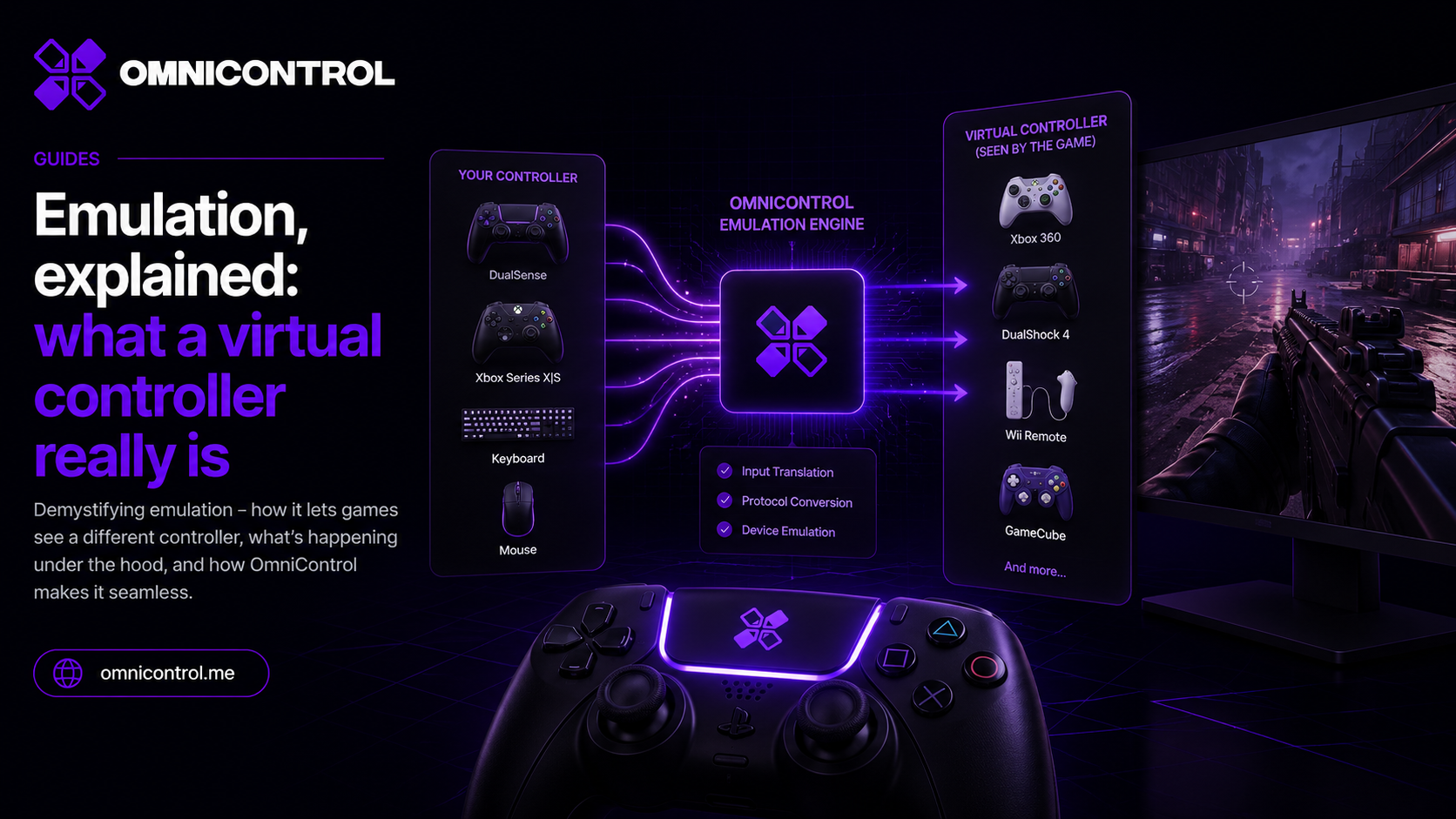
Remapping gets most of the attention, but it only does anything if the game is willing to listen. Your controller can send whatever inputs you tell it to, and the game can still ignore every one of them because it does not recognize the device. Emulation is the piece that closes that gap, and it is worth understanding what it actually does under the hood.
The problem remapping alone does not solve
Remapping changes what your pad sends. You bind a paddle to a button, swap the sticks, add a shift layer, and the physical controller now reports the inputs you want.
The catch is that a lot of games do not just read raw inputs. They check what kind of device is plugged in first. A game built around Xbox controllers might not see a DualSense at all, or it shows the wrong button prompts, or it refuses to let you bind a control that it does not believe exists. Some games only accept an Xbox pad, full stop. When that happens, remapping a button the game never reads accomplishes nothing. You need the game to accept the device before any of your mapping matters.
What a virtual controller actually is
OmniControl solves this with the ViGEmBus kernel driver, which is bundled in the installer. ViGEmBus lets the app create a virtual Xbox 360 pad or a virtual DualShock 4 and present it to Windows as a real device. The game sees a standard Microsoft or Sony controller, and most games treat it exactly like one. Some games and anti-cheat systems can detect a virtual controller.
Here is the flow. OmniControl reads your actual controller - a DualSense, a Switch Pro, an Elite Series 2, whatever you have - and applies your mapping, your stick curves, and your trigger settings. Then it writes the finished result to the virtual pad. The game only ever talks to the virtual pad. Your real hardware stays on OmniControl's side of the fence.
Not an injector, not a hack
This is the part people usually want clarified. A virtual controller is not the same thing as an injector.
An injector hooks into the game's process, reads or patches its memory, and intercepts calls from the inside. That is the category of tool that anti-cheat systems are built to detect, and for good reason.
ViGEmBus does none of that. It registers a controller with Windows at the driver level, the same layer that handles a physical pad you plug into a USB port. Nothing touches the game process. As far as Windows and the game are concerned, there is a real Xbox pad connected, and it happens to be sending inputs that started life on your DualSense. It is a plumbing change, not an intrusion.
Where this matters in practice
Two common situations show what the virtual pad buys you.
A DualSense in a game that only supports Xbox controllers. You pick the Xbox 360 target, and the game sees an Xbox pad. Your triggers, sticks, and buttons all work, and the prompts on screen match.
A Switch Pro Controller in a game whose prompts say PlayStation. Choose the DualShock 4 target, and the game reads a Sony pad, so the prompts line up with what you are holding.
You choose which of the two devices to present per profile, and the rest of your configuration rides on top of it.
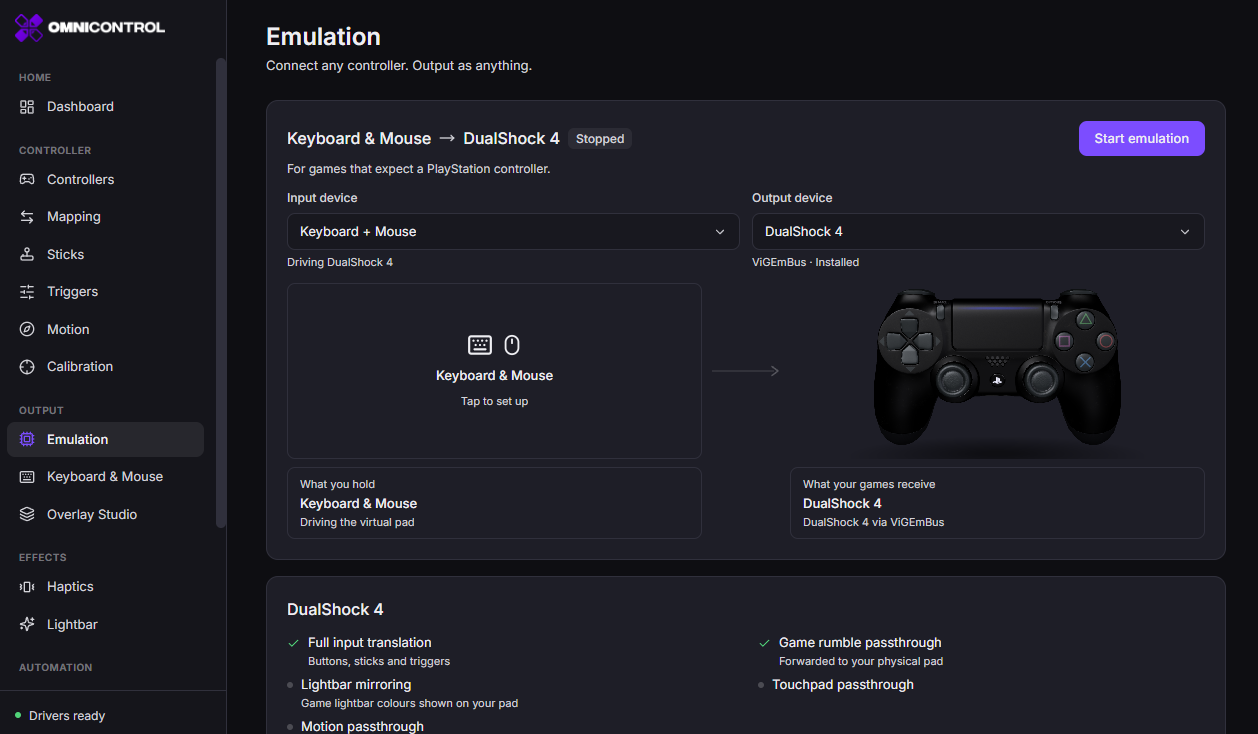
OmniControl contains no anti-cheat evasion. Presenting a virtual pad is legitimate device plumbing, not a way around anti-cheat. The pack catalog includes keyboard-and-mouse packs for online shooters, Call of Duty among them, and a publisher can penalise your account for playing that way. That risk sits with you as the player. If a game's rules forbid input remapping or virtual devices, do not use it there.
The reach beyond the desktop
The virtual pad handles PC games, but emulators have their own needs, and OmniControl covers two of them.
The first is motion. A lot of emulated games expect gyro, and OmniControl runs a DSU motion server that feeds gyro data to emulators over that standard protocol. So the tilt from your DualSense or Switch Pro can drive aiming or steering inside the emulator, not just on the desktop.
The second is console-shaped input. A Dolphin bridge maps any pad you own to a Wii Remote or a GameCube controller. You keep the controller you like, and Dolphin receives the device it wants.
Together with the desktop virtual pad, that means one physical controller can stand in as an Xbox pad, a DualShock 4, a Wii Remote, or a GameCube controller, depending on what you are playing.
What it costs
Reading, mapping and tuning your controller are free, so you can build a whole layout before you decide anything. Emulation is the piece Pro unlocks: the driver-level virtual pad, the output target selection, and rumble passthrough, along with the rest of the advanced set - custom stick curves, adaptive triggers, macros, and the recorder. Pro is a subscription, monthly or yearly; see pricing for current plans. Because your remaps and tuning reach a game through the virtual pad, they take effect in-game once Emulation is running.
Emulation is the quiet foundation under everything else OmniControl does. Once the game accepts the device, every curve, layer, and macro you build actually reaches it.
Join the OmniControl DiscordQuestions, setup help, and release news from the people building it.Tagged Emulation, Compatibility, ViGEmBus
More from the blog
Guides · · 6 min read
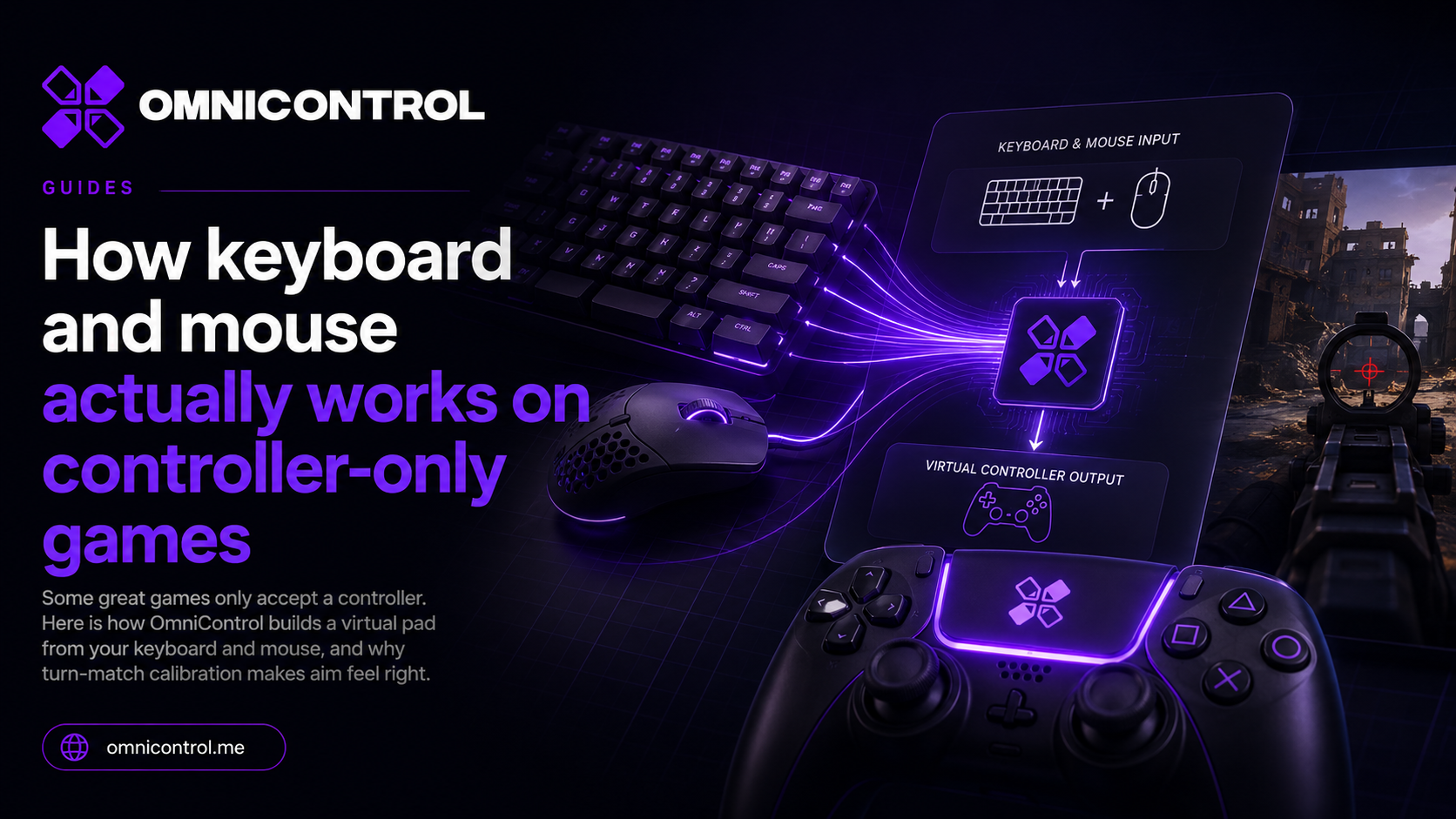
How keyboard and mouse actually works on controller-only games
Some great games only accept a controller. Here is how OmniControl builds a virtual pad from your keyboard and mouse, and why turn-match calibration makes aim feel right.
Guides · · 5 min read
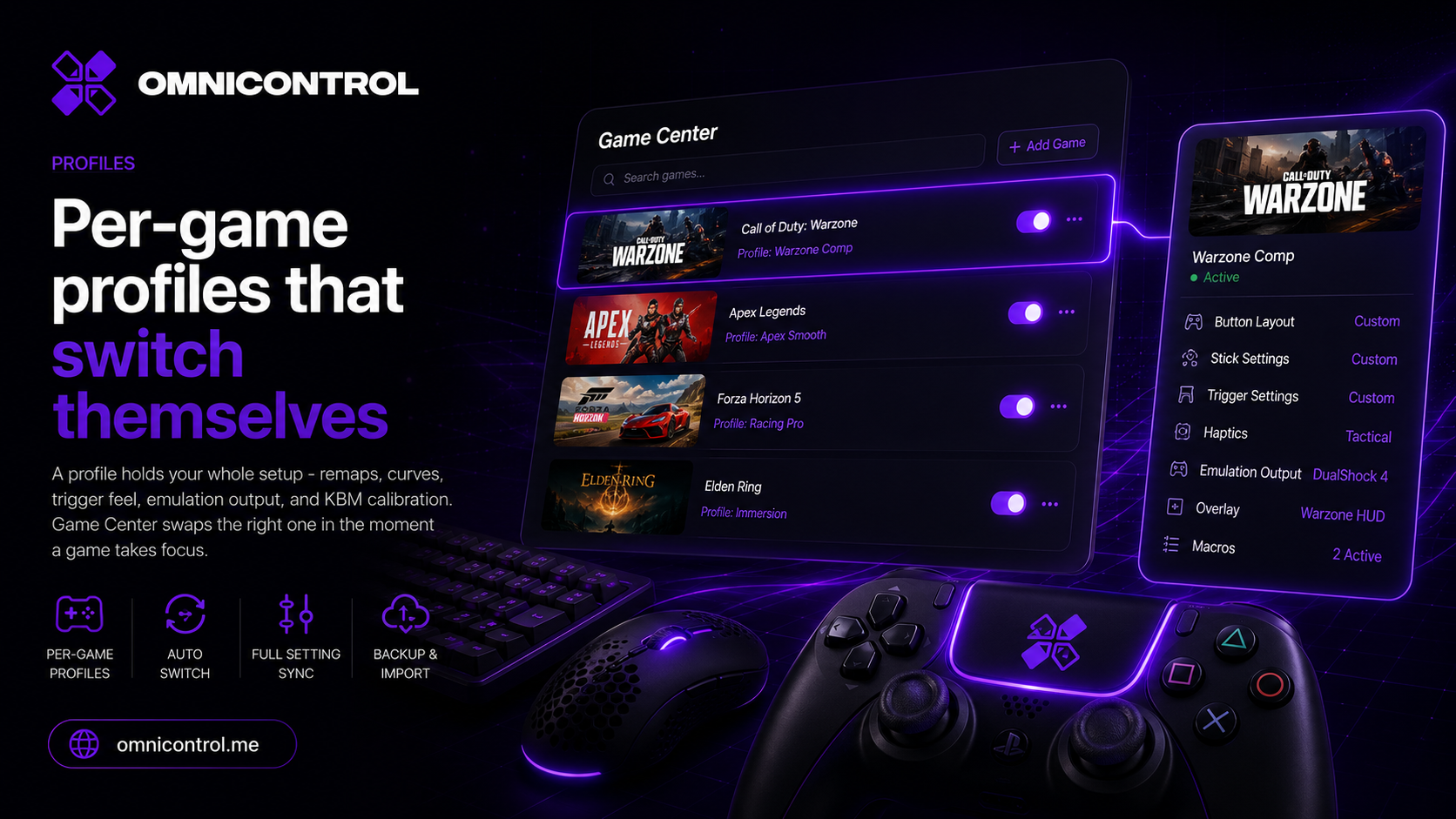
Per-game profiles that switch themselves
A profile holds your whole setup - remaps, curves, trigger feel, emulation output, and KBM calibration. Game Center swaps the right one in the moment a game takes focus.
Guides · · 6 min read
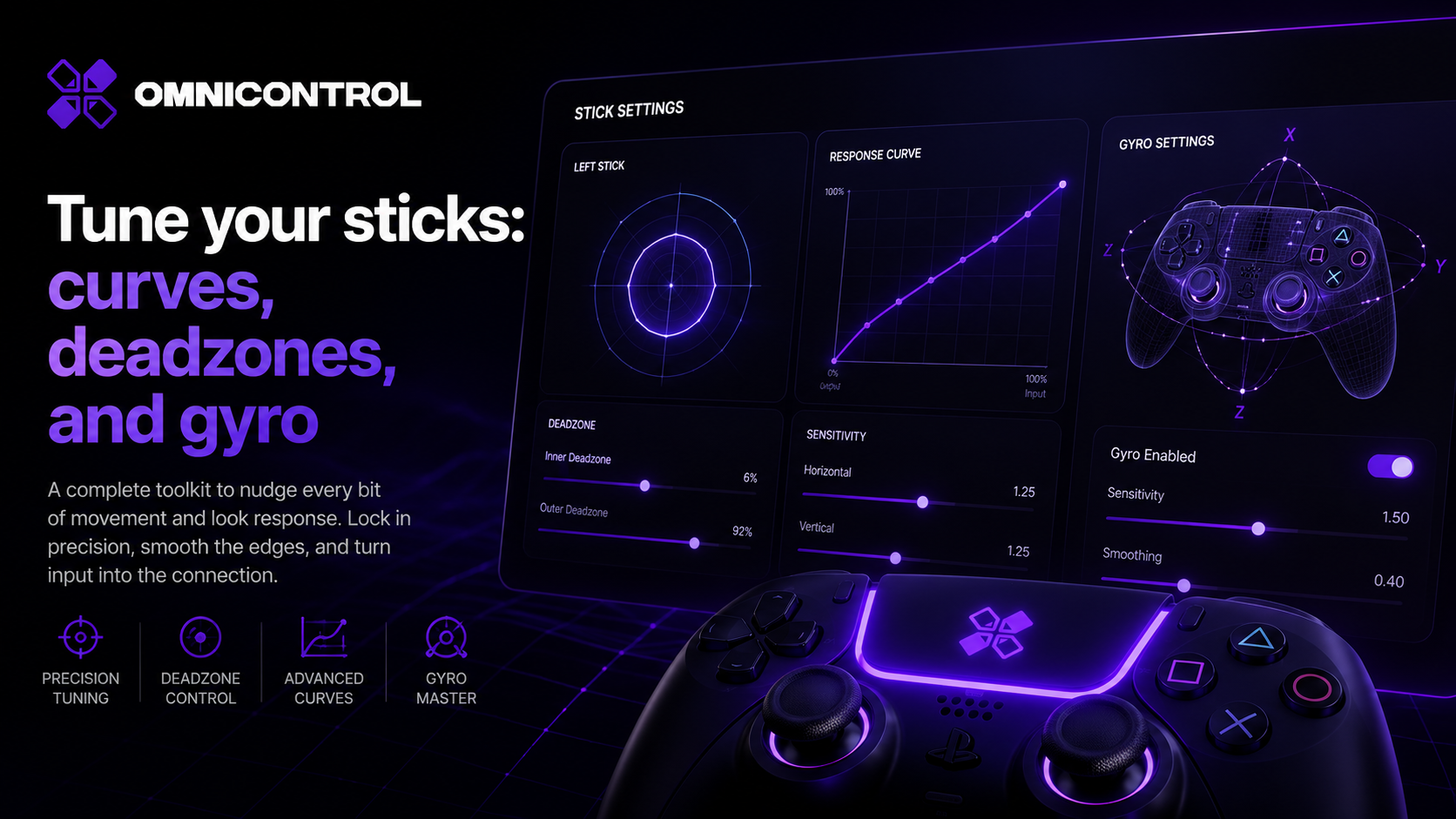
Tune your sticks: curves, deadzones, and gyro
A practical guide to stick tuning in OmniControl: what response curves, deadzones, and anti-snapback each fix, when to reach for them, and how gyro layers on for fine correction.