
· 6 min read
Tune your sticks: curves, deadzones, and gyro
A practical guide to stick tuning in OmniControl: what response curves, deadzones, and anti-snapback each fix, when to reach for them, and how gyro layers on for fine correction.
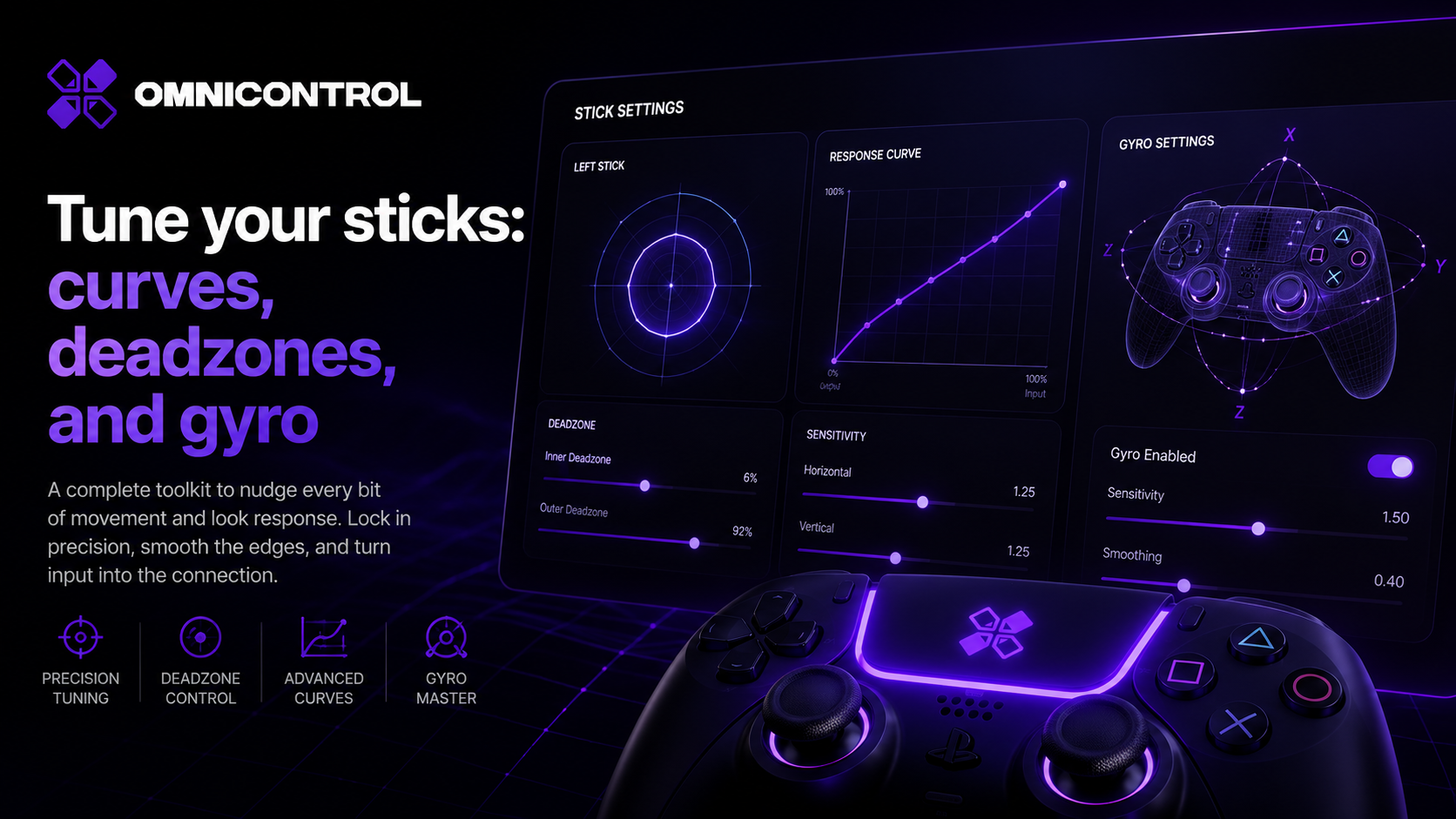
Most controllers ship with a stick feel that is a compromise. It has to work for a shooter, a racer, and a menu, so it does none of them exactly right. OmniControl lets you shape the stick per profile until it matches the game and your hand. This is a practical pass through the tools that matter: curves, the three deadzone controls, per-stick sensitivity, and gyro on top.
Start with the response curve
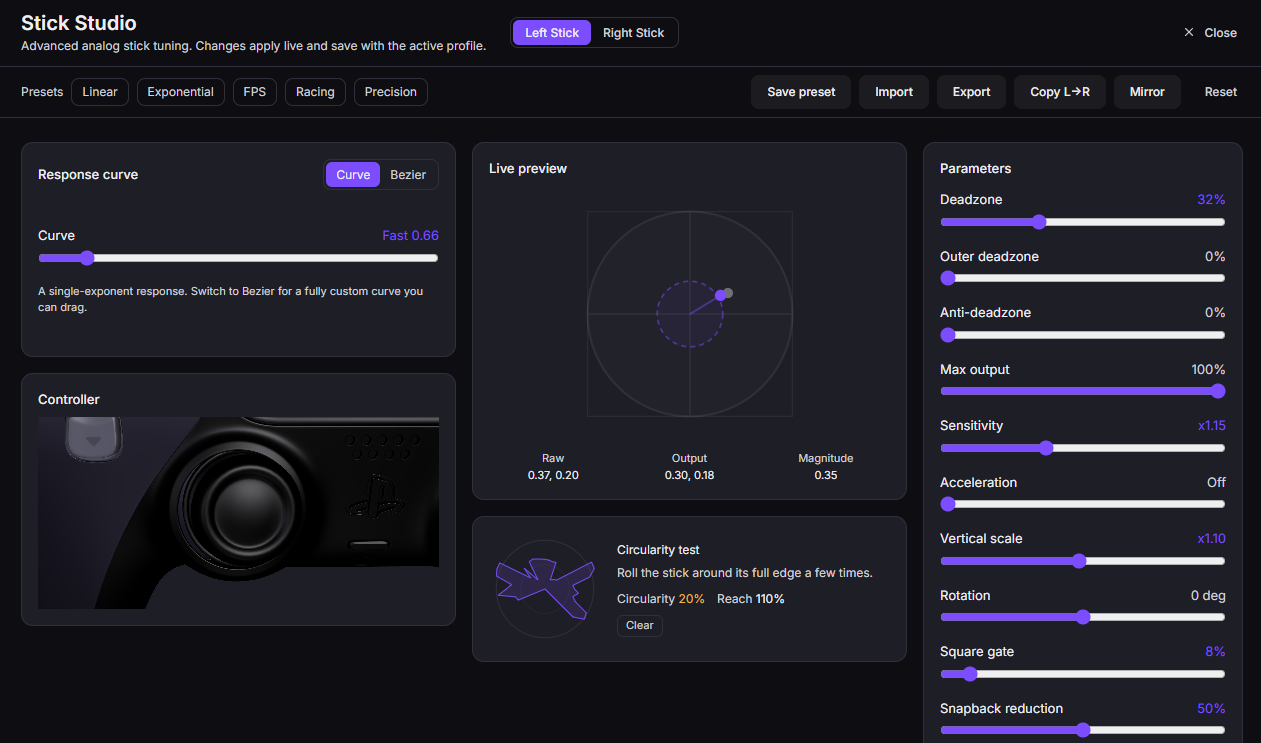
A response curve maps how far you push the stick to how much input the game receives. A linear curve is a straight line: half tilt gives half input. That sounds correct, but it often feels twitchy near center and vague at the edges, because human aiming is not linear.
OmniControl gives you two ways to fix this. Presets like Aggressive and Precision are tuned starting points. A Precision curve softens the center so small pushes produce small movements, which helps for fine aim. An Aggressive curve does the opposite, biasing more output earlier for fast turns.
When a preset gets you close but not exact, draw your own. The custom curve is hand-drawn, so you can flatten the region you use most and steepen the rest.
If you feel X, try Y
- Aim feels jumpy for small corrections: switch to Precision, or flatten the first third of a custom curve.
- Turning feels slow to get going: try Aggressive, or raise the early part of the curve.
- The stick feels fine in the middle but you cannot make micro-adjustments: that is usually a curve problem near center, not a deadzone problem.
The three deadzone controls
These three sound similar and fix different things. Reach for the one that matches the symptom.
Deadzone is a dead area around center. If your aim drifts when you are not touching the stick, the stick is not resting at true zero. Raise the deadzone until the drift stops. Do not go higher than you need, because everything inside the deadzone is input the game never sees.
Anti-deadzone is the opposite problem, and it lives in the game, not the hardware. Many games apply their own deadzone you cannot turn off, so the first slice of your real movement does nothing. Anti-deadzone pushes your output past that ignored region, so the stick responds the instant you move it.
Anti-snapback fixes the flick that happens when you release the stick and it overshoots through center on its way back to rest. On worn sticks this can register as a small movement in the wrong direction. Anti-snapback filters that release spike.
Per-stick sensitivity
Sensitivity is a multiplier on top of the curve. The left and right sticks usually want different values: movement can stay steady while aim runs faster or slower to taste. Adjust each stick on its own rather than settling for one number that half-suits both.
Change one thing at a time. If you move the curve, the deadzone, and the sensitivity together, you will not know which one helped.
Gyro: correction on top, not a fight with the stick
Gyro aiming is the piece that makes fine aim feel natural. Instead of replacing the stick, it layers on top. You keep using the stick for big turns and let small tilts of the controller handle the last few degrees onto a target. The gyro sensitivity stacks on the stick, so it is a fine-correction layer, not a second full aiming system fighting the first.
You can run gyro always-on, or hold-to-activate so it only kicks in when you press a button. Hold-to-activate is a good starting point: you get precise motion aim exactly when you want it and the controller sits still the rest of the time.
Gyro needs motion data. On DualSense that comes over USB, along with the adaptive triggers, touchpad, and lightbar.
A tuning pass, start to finish
Pick a curve
Open the stick page and start from Precision or Aggressive depending on whether you want fine control or fast turns. Play a few minutes before deciding.Refine with a custom curve
If the preset is close but not right, switch to custom and reshape the region you use most. Flatten near center for control, steepen the outer range for speed.Set deadzone
Let the stick rest untouched. If your aim drifts, raise deadzone until it stops, and no further. Add anti-deadzone if the first bit of movement does nothing in-game.Add anti-snapback if needed
If releasing the stick causes a small twitch through center, enable anti-snapback to filter the release spike.Set sensitivity per stick
Tune the aim stick and the movement stick separately until each feels right on its own.Layer gyro
Turn on gyro for fine correction. Start with hold-to-activate, then adjust gyro sensitivity so small tilts nudge your aim without overshooting.
Everything here saves into the profile, so each game keeps its own feel. Get one game dialed in, then repeat the pass for the next. Deadzone, sensitivity and gyro are free, along with the rest of the basic stick and trigger tuning. Drawing your own response curve by hand in Stick Studio is part of Pro, as is Emulation, which is what carries your tuning through to a game. Pro is a subscription, monthly or yearly; see pricing for current plans.
Join the OmniControl DiscordQuestions, setup help, and release news from the people building it.More from the blog
Guides · · 6 min read
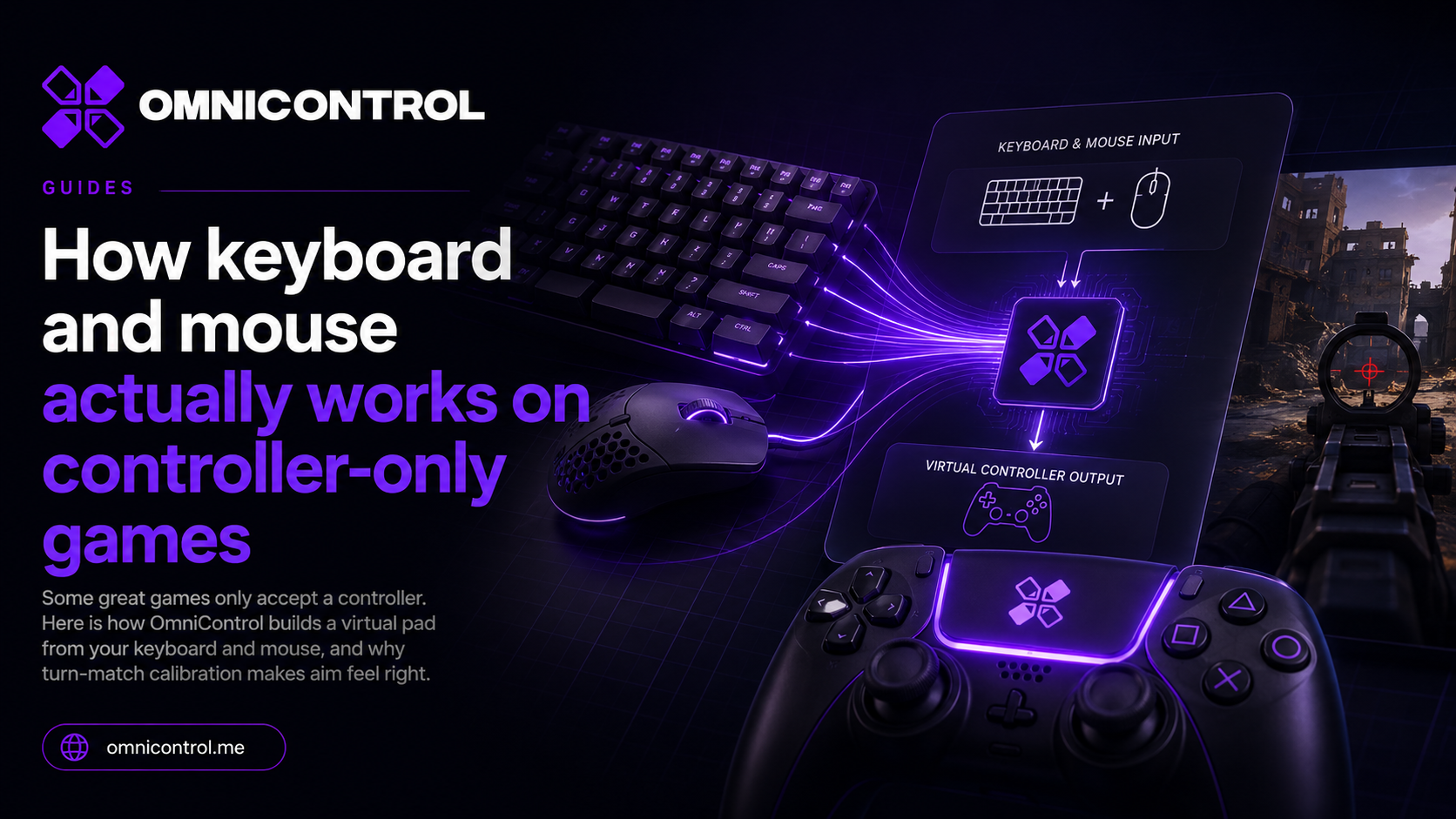
How keyboard and mouse actually works on controller-only games
Some great games only accept a controller. Here is how OmniControl builds a virtual pad from your keyboard and mouse, and why turn-match calibration makes aim feel right.
Guides · · 5 min read
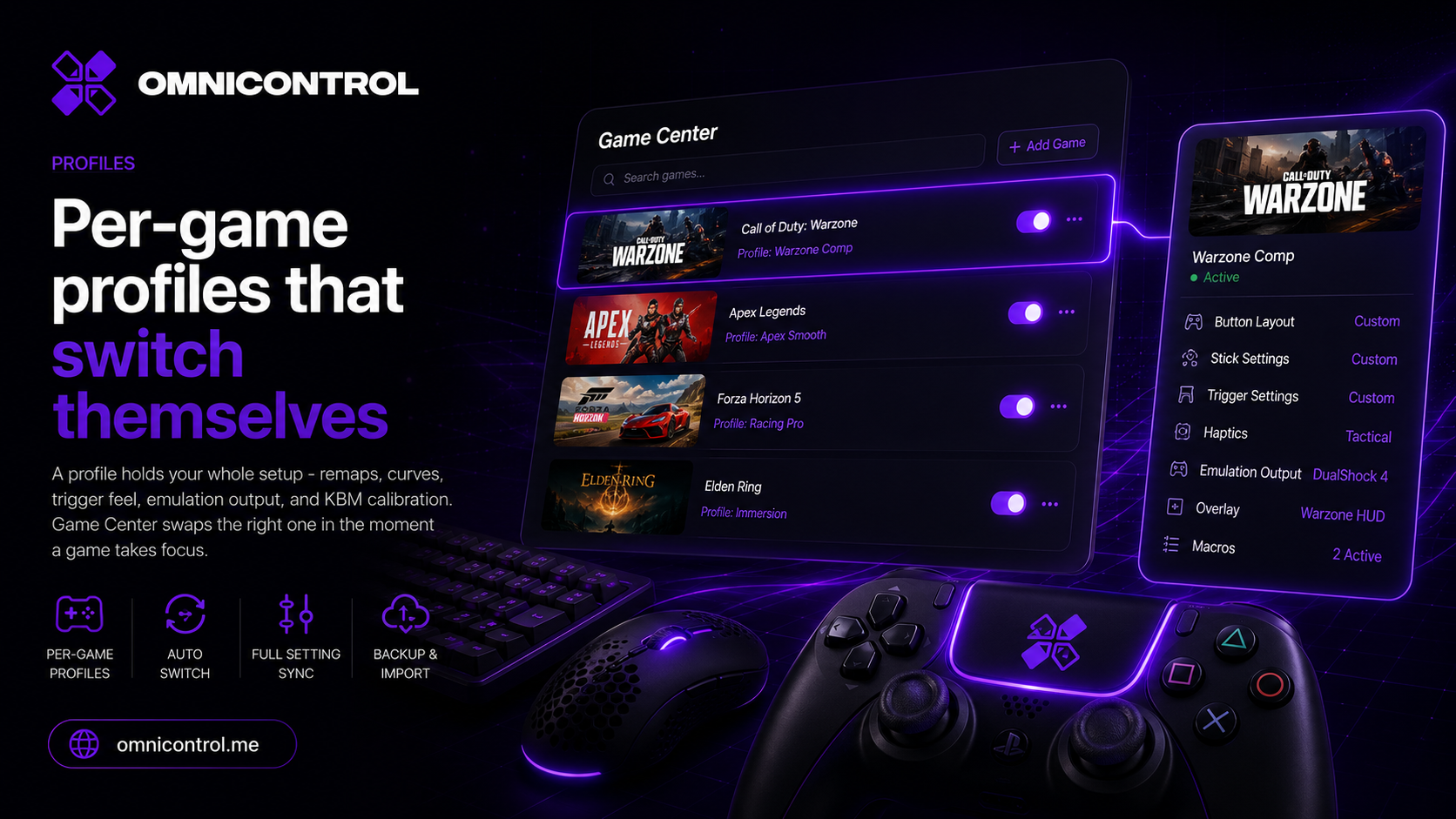
Per-game profiles that switch themselves
A profile holds your whole setup - remaps, curves, trigger feel, emulation output, and KBM calibration. Game Center swaps the right one in the moment a game takes focus.
Deep dives · · 5 min read
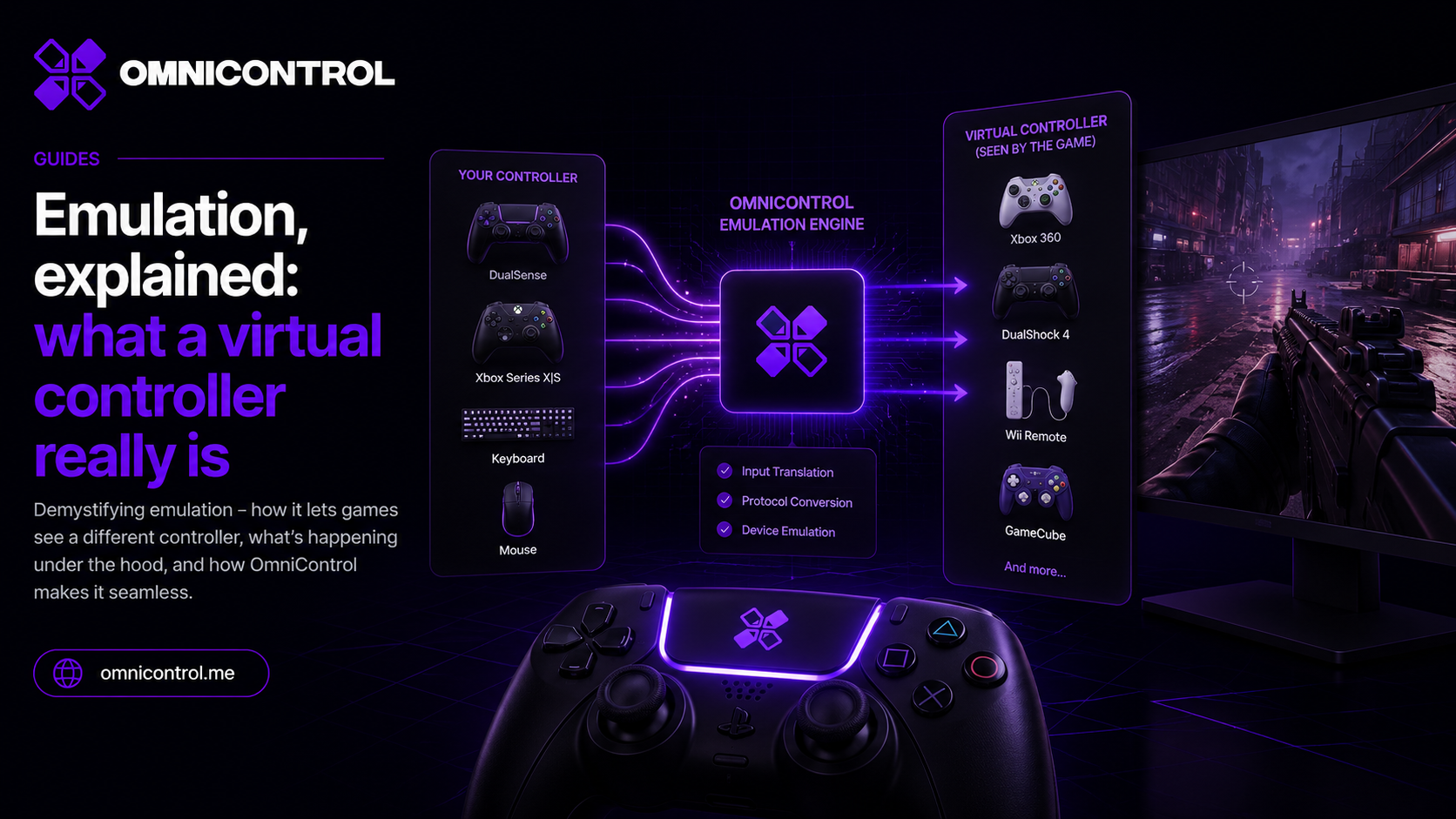
Emulation, explained: what a virtual controller really is
Remapping only helps if the game is listening. Here is how a driver-level virtual Xbox or DualShock 4 makes any pad acceptable to any game, without hooks or hacks.