
· 6 min read
How keyboard and mouse actually works on controller-only games
Some great games only accept a controller. Here is how OmniControl builds a virtual pad from your keyboard and mouse, and why turn-match calibration makes aim feel right.
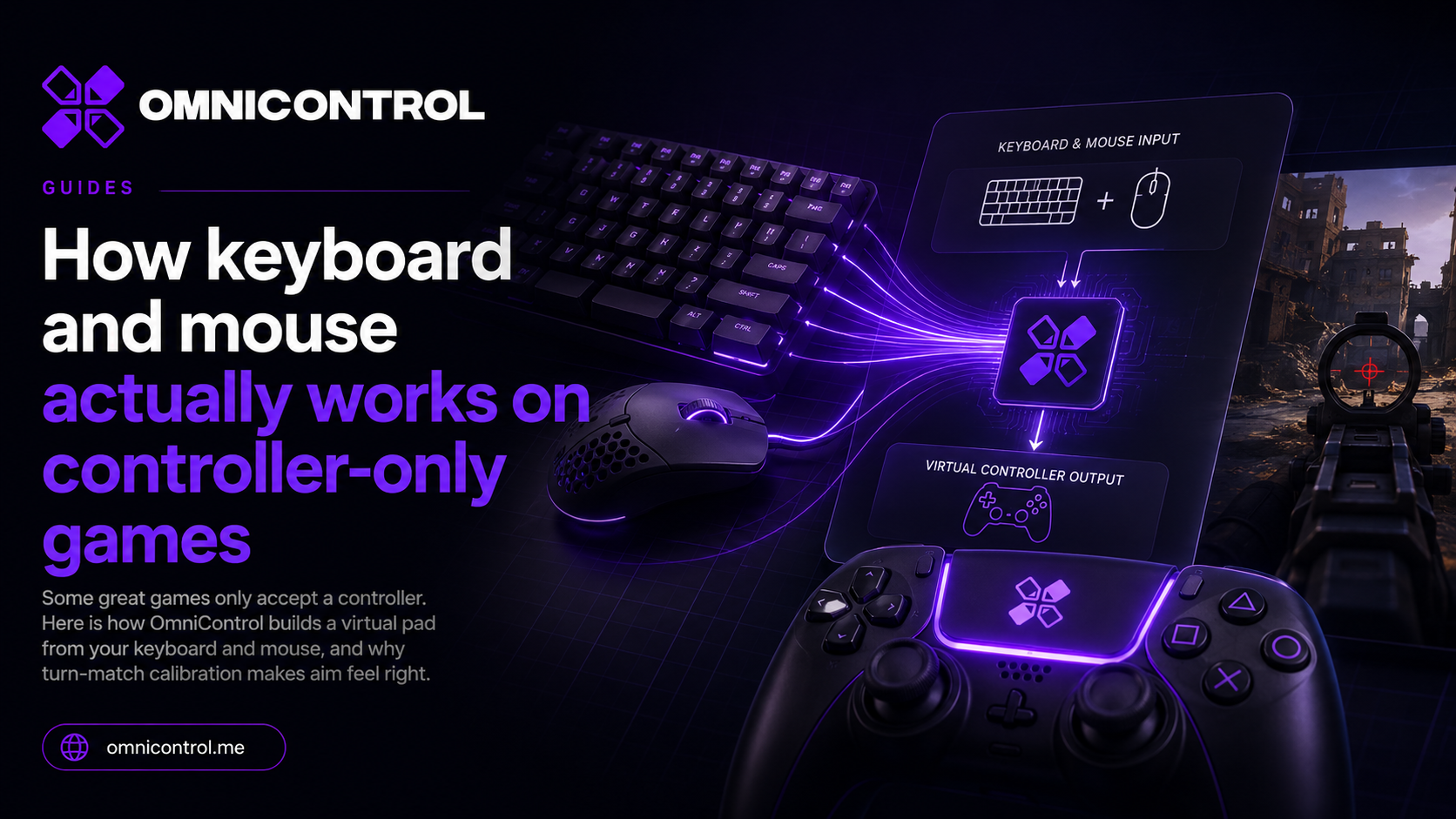
There is a whole category of PC games that were built for a gamepad and never looked back. Some ports bolt on mouse support as an afterthought, so the camera stutters or snaps. Others simply refuse keyboard and mouse entirely and sit at a "connect a controller" prompt. If you prefer a keyboard and mouse, those games lock you out of the input you are fastest with.
OmniControl closes that gap by building a virtual controller that your keyboard and mouse drive. This post explains how that works, why a naive version feels terrible, and how the turn-match calibration fixes the part everyone gets wrong.
The problem: mouse as a second-class citizen
A controller and a mouse describe motion in completely different languages.
A stick reports a position. Push it halfway and the game reads a steady "turning left at half speed" for as long as you hold it. A mouse reports movement. Flick it and the game gets a burst of deltas, then nothing when you stop. Games that were designed around a stick expect the first language. When a game either ignores your mouse or treats it as a bad translation of a stick, aiming feels vague and camera control fights you.
So the goal is not to fake mouse support. The goal is to give the game exactly what it trusts - a real controller - while you drive it with the hardware you prefer.
How OmniControl builds the virtual pad
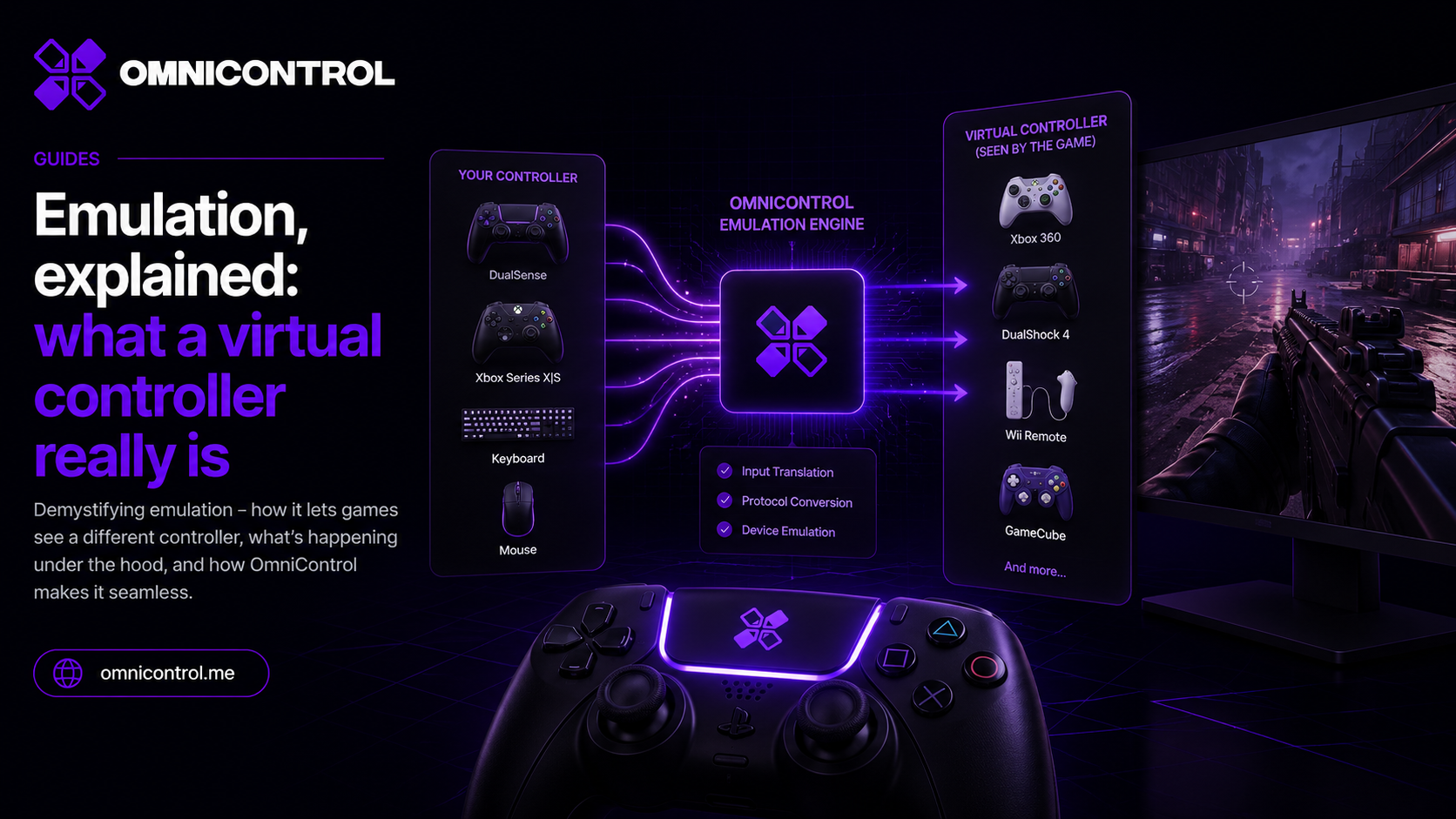
Emulation runs on the ViGEmBus kernel driver, bundled in the installer. The game sees a genuine Microsoft Xbox 360 pad or a Sony DualShock 4, not an injector poking at its memory. From the game's side there is nothing unusual happening. There is just a controller connected.
Keyboard and Mouse mode maps your inputs onto that virtual pad:
- W+A+S+D drive the left stick for movement.
- Your mouse drives the right (aim) stick.
- Every other key is mappable to a button, a trigger, or a macro.
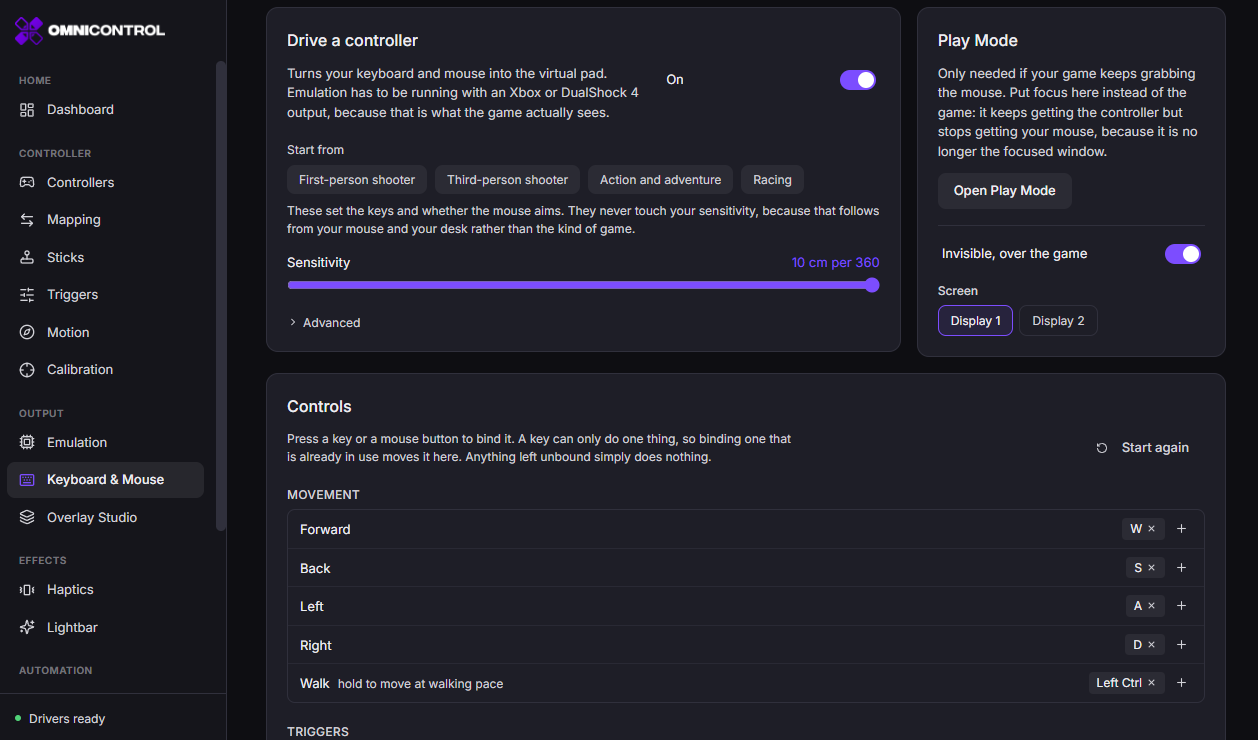
Movement is the easy half. Holding W is genuinely a stick held forward, so it maps cleanly. Aiming is where the naive approach falls apart.
Why raw stick-from-mouse feels like mud
If you take mouse movement and feed it straight to the aim stick, small mouse motions become small stick deflections and large motions become large ones. That sounds reasonable and it feels awful.
The reason is that a stick controls turn speed, not turn amount. Deflect the aim stick and the camera keeps rotating until you let go. So when you move the mouse and stop, the mouse has stopped but the stick was briefly deflected, and the camera keeps drifting past where you aimed. Your muscle memory expects the crosshair to land where you moved to. Instead it sails past and you correct back. Everything feels floaty and delayed, like aiming through mud.
To make the mouse land where you point, OmniControl has to know your game's actual turn rate - how many degrees the camera rotates per second at full stick - so it can convert mouse distance into the right stick input and back off at the right moment.
Turn-match calibration, step by step
You could try to guess that turn rate. OmniControl measures it instead, and the process is timing-free. You are not racing a stopwatch. You line up a reference, turn one full circle in-game, and mark the start and end.
Pick a landmark
Face something you can recognize again - a doorway, a distant tower, any fixed point - and center it on screen.Press F8 to start
This begins the measurement. Nothing is timed, so take as long as you need to be steady.Turn one full circle
Rotate the in-game camera a complete 360 degrees until your landmark is centered again.Press F8 to stop
OmniControl now knows how far your mouse traveled for one real in-game revolution, so it locks that turn rate.
With the turn rate locked, the aim stick tracks your mouse instead of drifting like a raw stick would. Move the mouse a certain distance and the crosshair moves the matching amount, then settles. That is the whole point of the calibration - the crosshair goes where you put it.
It remembers each game
Calibration and setup save per game. When a game takes focus, OmniControl loads that game's profile automatically, so the turn rate and your key mappings are already correct before you reach the menu. Alt-tab out and it steps back. You do not re-tune anything each session.
There is also a Play Mode for when you are done configuring and just want to play with the mapping active.
If you want to see what the game sees, Overlay Studio can mirror the keyboard-and-mouse pad on a transparent, always-on-top overlay. The sticks and buttons move as you type and aim, which is genuinely useful while you are dialing in a mapping and want to confirm your inputs are landing.
The honest boundary
This has to be said plainly.
Used where it belongs, this turns "controller required" from a wall into a non-issue. You keep your keyboard and mouse, the game gets the controller it insists on, and after one calibration pass the aim actually tracks your hand.
Keyboard and Mouse mode drives a virtual pad through Emulation, so it is part of the Pro set, a monthly or yearly subscription. Reading, mapping and tuning your controller are free, and you can map your keys and run the turn-match calibration before you upgrade.
Join the OmniControl DiscordQuestions, setup help, and release news from the people building it.Tagged Keyboard & Mouse, Aiming, Setup
More from the blog
Guides · · 6 min read
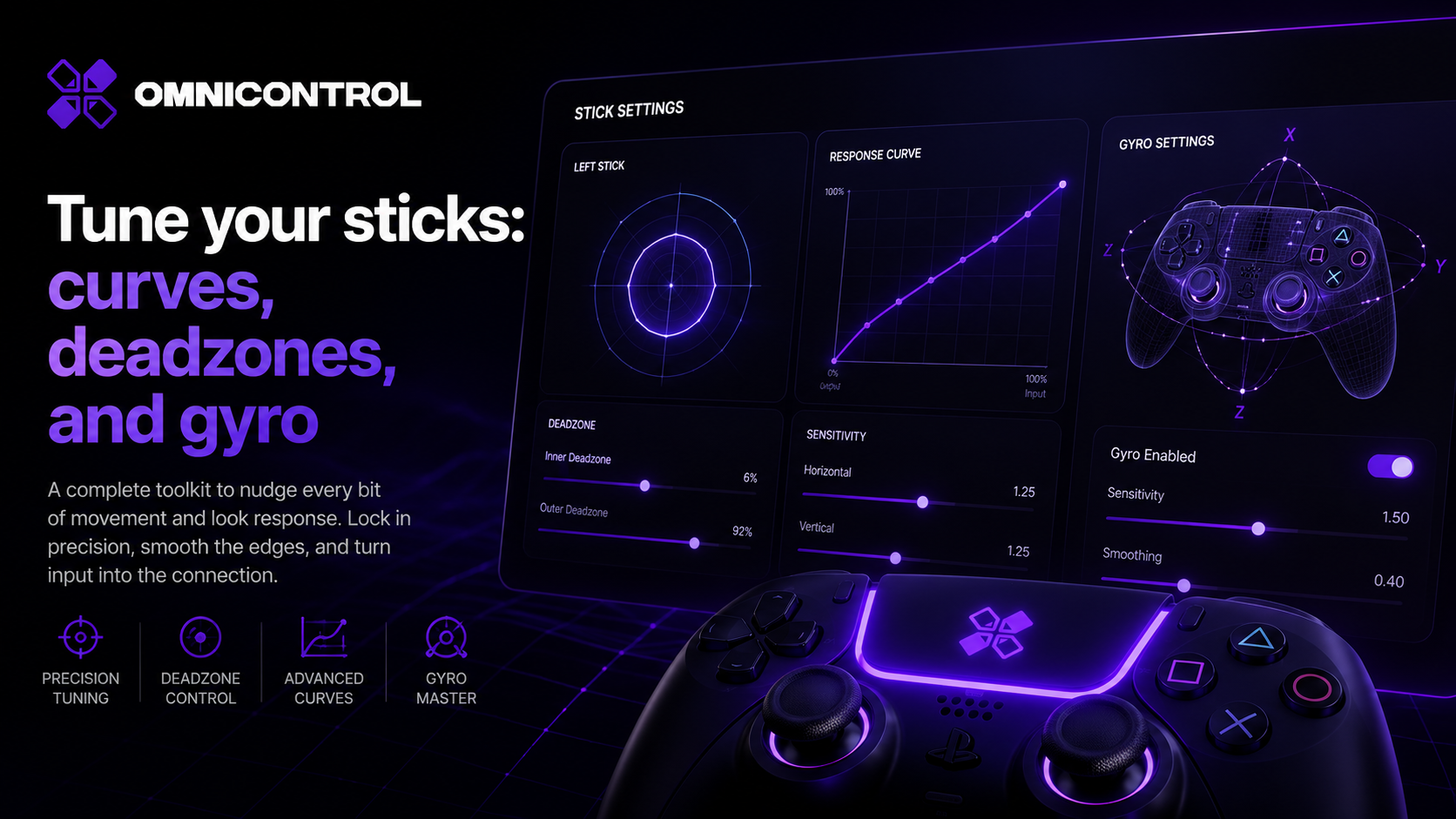
Tune your sticks: curves, deadzones, and gyro
A practical guide to stick tuning in OmniControl: what response curves, deadzones, and anti-snapback each fix, when to reach for them, and how gyro layers on for fine correction.
Guides · · 5 min read
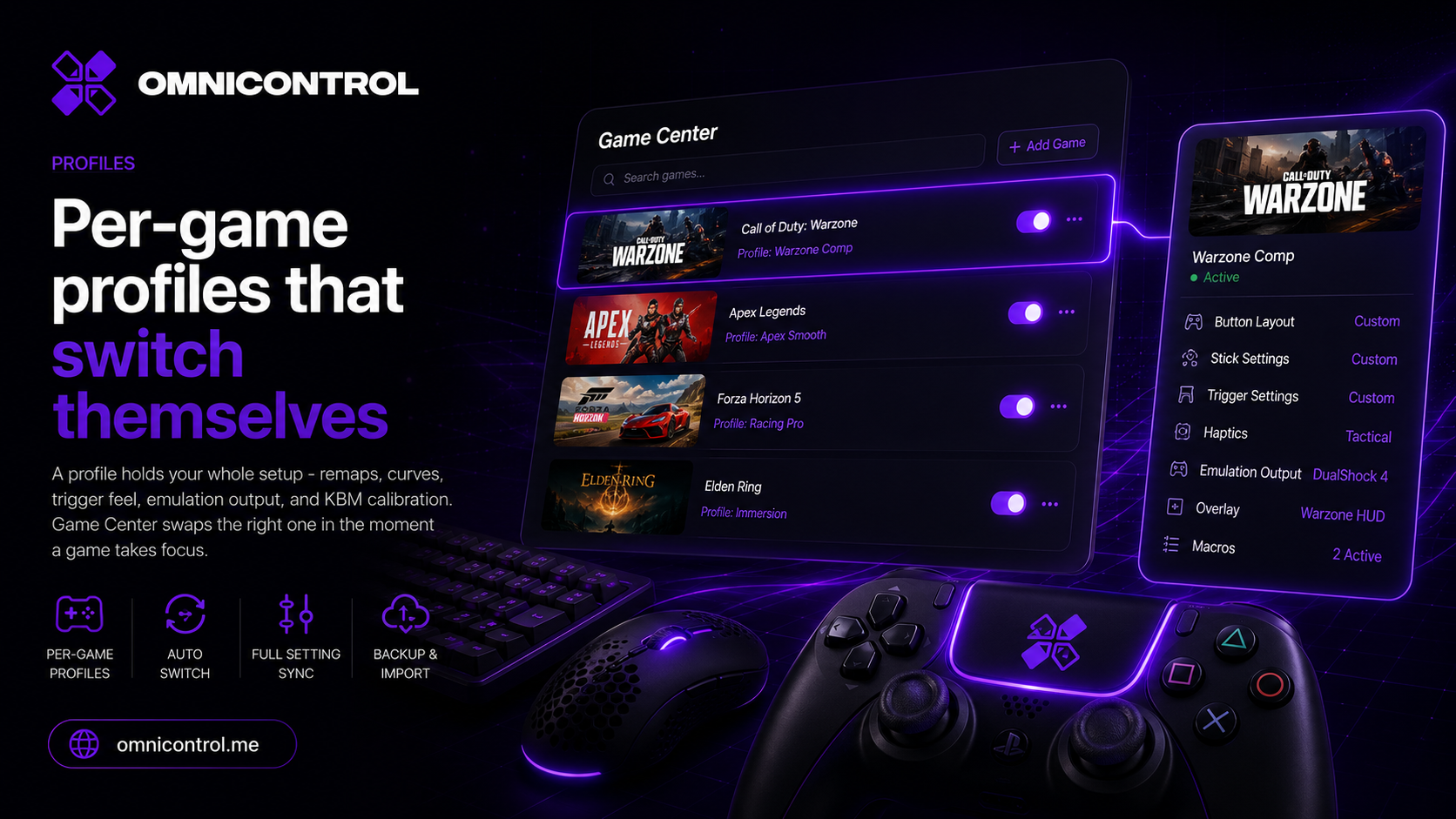
Per-game profiles that switch themselves
A profile holds your whole setup - remaps, curves, trigger feel, emulation output, and KBM calibration. Game Center swaps the right one in the moment a game takes focus.
Deep dives · · 5 min read
Emulation, explained: what a virtual controller really is
Remapping only helps if the game is listening. Here is how a driver-level virtual Xbox or DualShock 4 makes any pad acceptable to any game, without hooks or hacks.