

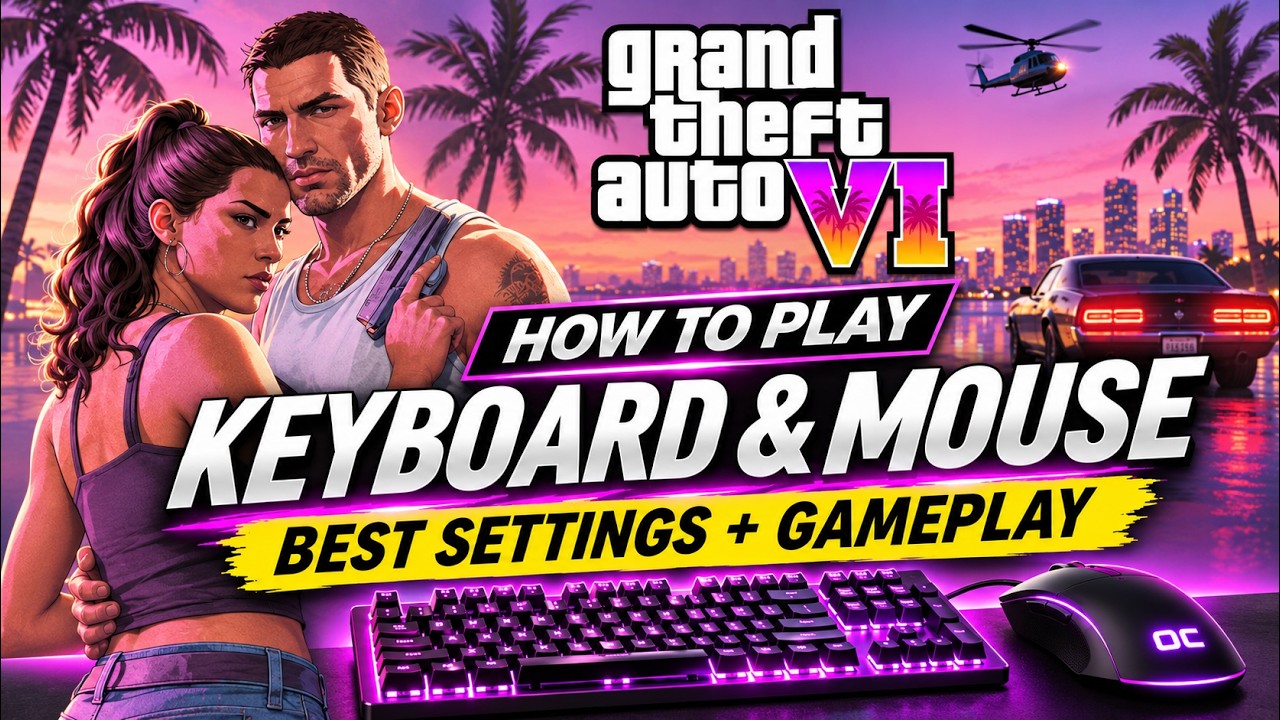
Play GTA 6 on PS5 with keyboard and mouse
OmniControl streams your PS5 to your PC and turns your keyboard and mouse into its controller. Add the on foot, driving and flying configs and play in minutes.
Full Pro access. No credit card required.
The GTA 6 configs have been added 1,470+ times
Set up in five minutes
Six short steps from nothing to driving through the city on your keyboard and mouse.
Install OmniControl
Download it for Windows 10 or 11 and run the installer. It is free to download.
Sign in and start your free trial
Create your account, verify your email and start your 2-hour trial of Pro. No card needed.
Connect your PS5 in Remote Play
Turn on Remote Play on the PS5, then pair it on OmniControl's Remote Play page with the PIN it shows. Pairing asks for your PlayStation account id: how to find it.
Add the GTA 6 configs
Press Add to OmniControl on the on foot, driving and flying configs on this page, or open Game Packs in the app and pick GTA 6. Each one becomes its own profile.
Turn on Drive a Controller
On the Dashboard, switch on Drive a Controller. Your keyboard and mouse now drive the PS5's controller.
Connect and play
Connect from the Remote Play page and start GTA 6. Press a profile's hotkey as you get in a car or an aircraft, and the on foot one when you get out.
Play it with the community
Get help with your setup from people already playing, swap binds and share your best GTA 6 clips. The Discord is where we hear first what to change in the configs.
Three GTA 6 configs: on foot, driving and flying
All free in Game Packs. Import all three, then give each a hotkey and switch as you get in and out of a car, plane or helicopter.
Start here
996 imports
On foot
Walking, running, aiming and shooting. The profile you will be in most of the time.
- Move
- WASD
- Look
- Mouse
- Shoot
- Left click
- Aim
- Right click
- Run
- Shift
Code OC-GRANDX6P
Cars and bikes
305 imports
Driving
Throttle and brake that ease in like a trigger, so a keyboard can feather them.
- Gas
- W
- Brake and reverse
- S
- Steer
- AD
- Handbrake
- Space
- Get out
- F
Code OC-GRAN1881
Planes and helicopters
178 imports
Flying
Throttle on the mouse, the stick on WASD. Hold Alt to hover and land gently.
- Throttle and climb
- Right click
- Slow down and descend
- Left click
- Pitch
- WS
- Roll
- AD
- Yaw
- QE
Code OC-GRAN2TZF
Add to OmniControl opens the import in the app. Not installed yet? Download it first.
Best: import all three and switch with a hotkey
Import all three configs
Press Add to OmniControl on each card, or open Game Packs in the app and pick GTA 6. Each config becomes its own profile.
Give each profile a hotkey
Open Profiles, select a GTA 6 profile and press Set hotkey next to Global hotkey. Then the other two, each with a key the game does not use.
Switch in one key press
Press the driving key as you get in a car, the flying key in a plane or helicopter, and the on foot key when you get out. OmniControl tells you which profile is now active.
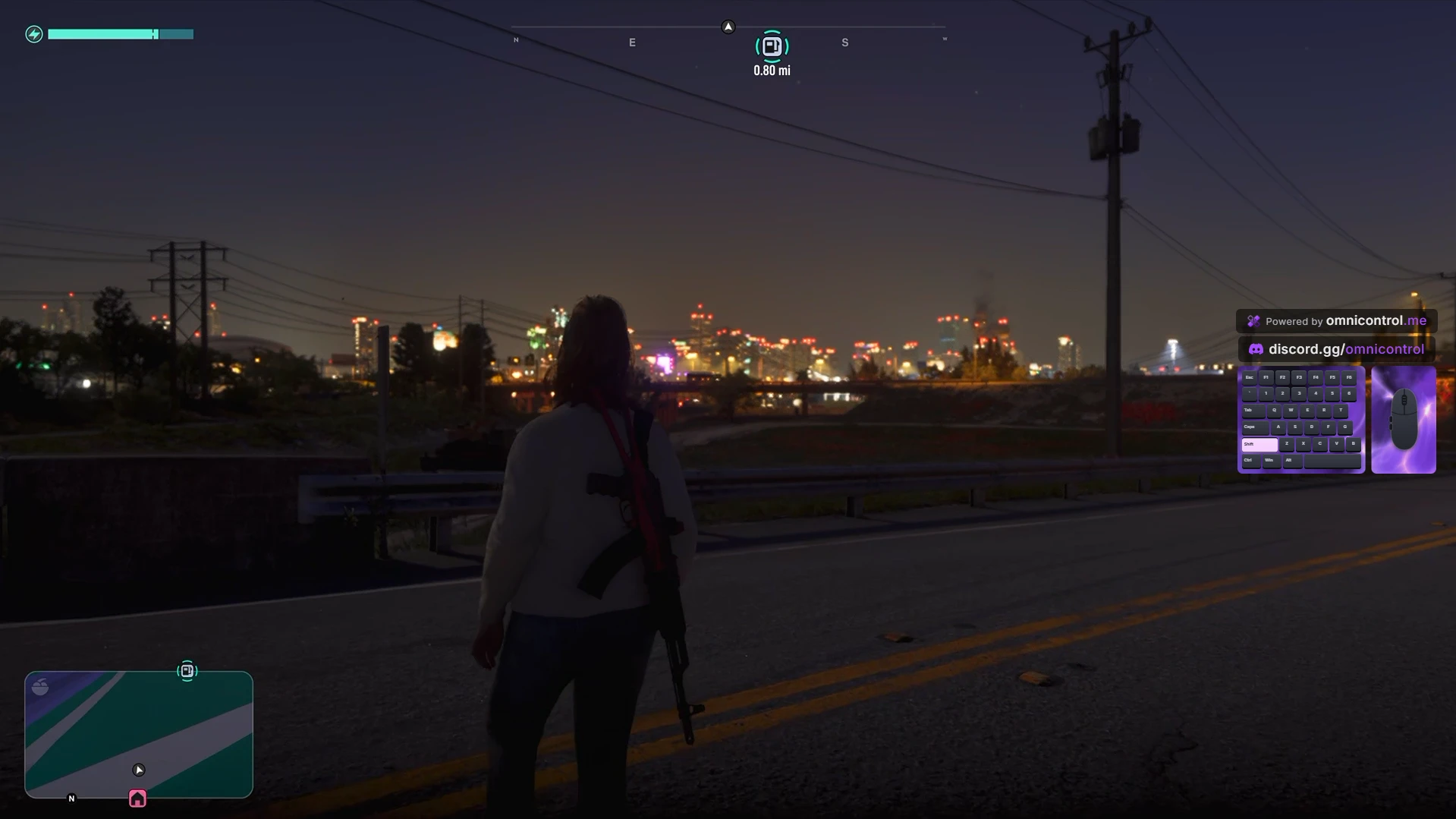
GTA 6 on keyboard and mouse
Real play on a PS5 through OmniControl, with the keyboard and mouse overlay in the corner. Share yours in the Discord.
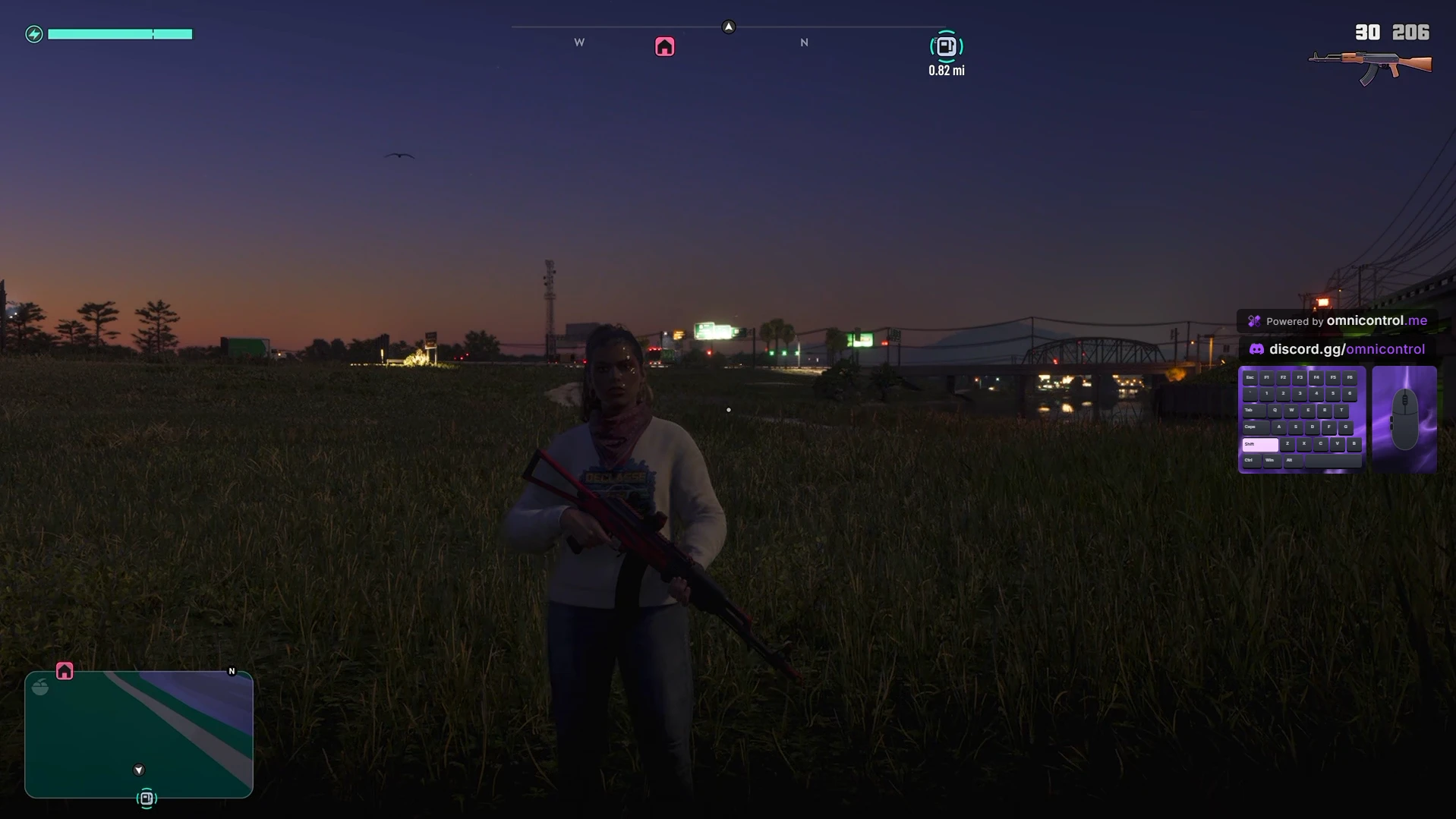
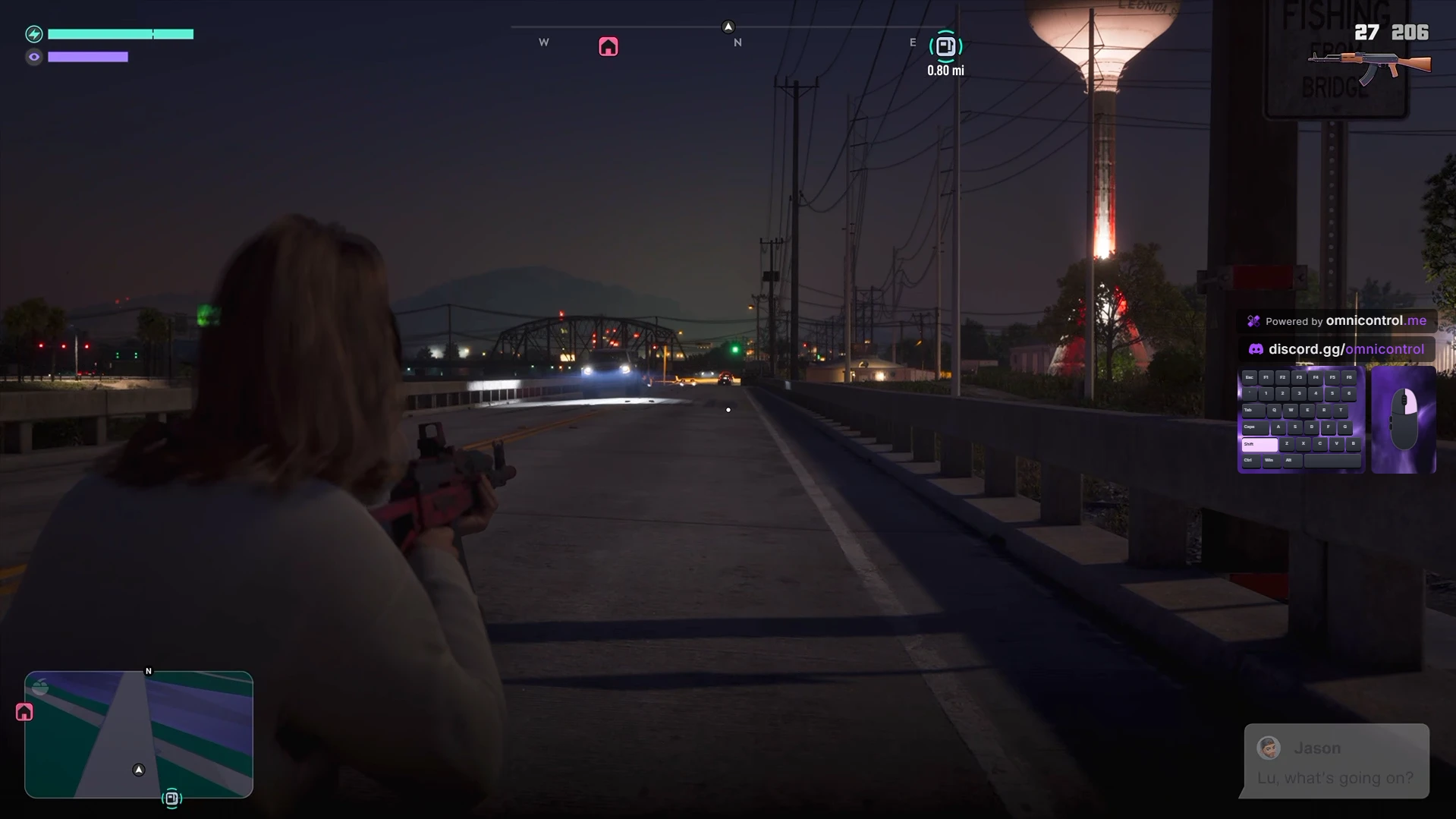
Show your keys on stream
Overlay Studio draws what you press as you play, ready for OBS.
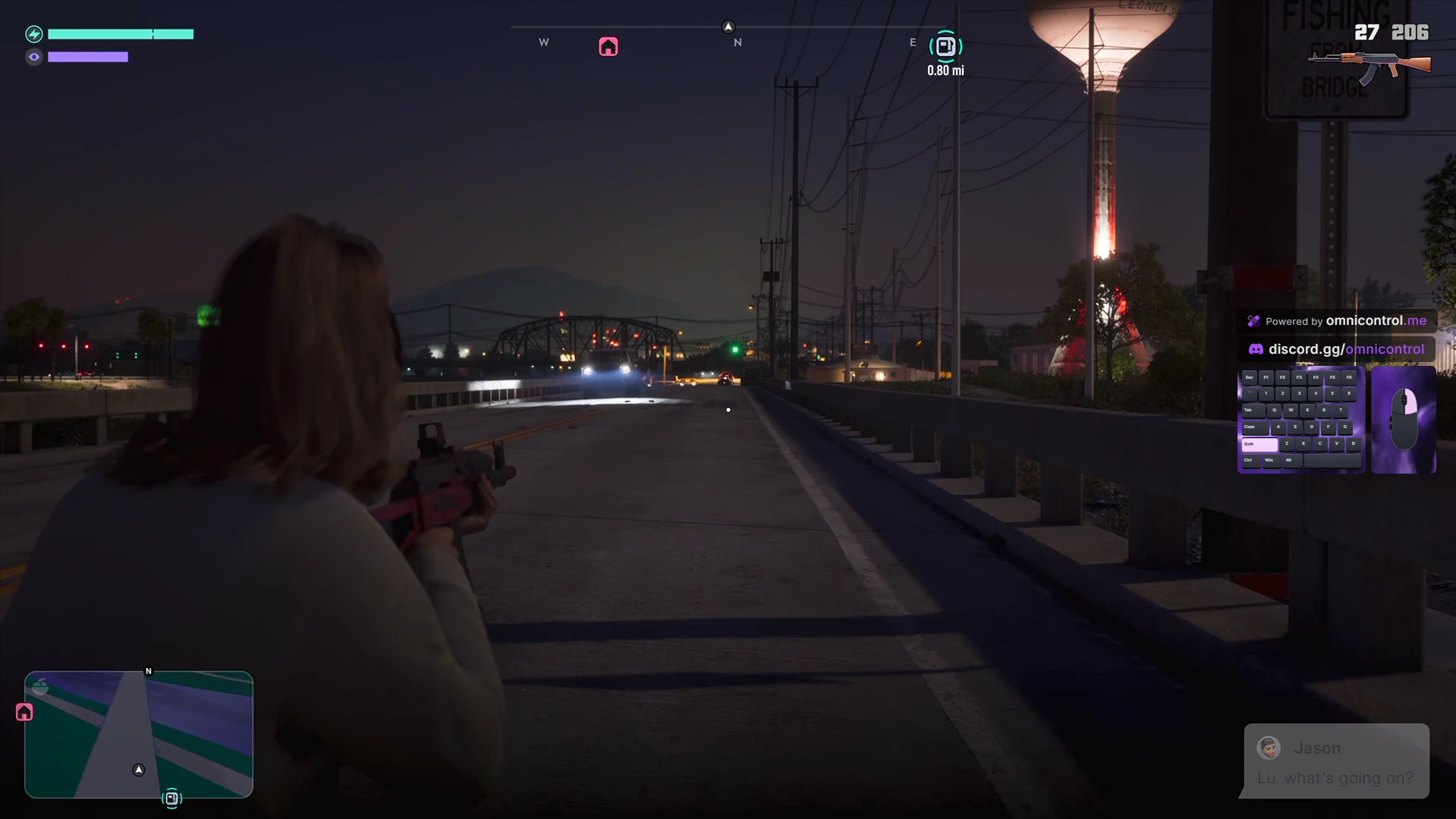
- Your keyboard and mouse on screen as you play, keys lighting and pressing, next to the controller they drive.
- Your link and your Discord sit above it, so viewers know where the setup comes from.
- New in 3.6: play on a controller and the overlay can show it as a keyboard and mouse.
- Add it to OBS as a browser source with a truly transparent background.
How to play GTA 6 with keyboard and mouse on PS5
GTA 6 is a console game, and the PS5 expects a controller. The way to play it from a keyboard and mouse is to stream the console to a PC with PS5 Remote Play and send it controller input made from your keys and mouse. OmniControl does both in one app: its built-in Remote Play shows the game on your Windows PC, and Drive a Controller turns WASD, your mouse and the rest of your keys into the stick, button and trigger presses the PS5 reads. The console only ever sees a controller.
GTA 6 is played on foot, behind the wheel and in the air, and each wants different controls. So there are three official configs, one for each. Import all three from Game Packs, give each profile a global hotkey, and moving from a gunfight to a getaway car or a helicopter is one key press. Every bind and the mouse speed stay yours to change.
How it feels depends mostly on your network. Remote Play sends video from the PS5 to the PC, so a wired connection to the console does more for the stream than any setting. The PC does not run the game itself; it shows the stream and sends the controller.
You need a PS5 with GTA 6, a Windows 10 & 11 PC, a keyboard and mouse, and Pro or the free 2-hour trial, which unlocks Remote Play and Drive a Controller. Setup takes about five minutes, and the steps are at the top of this page.
After your free trial
Your trial is two hours of full Pro. To keep playing GTA 6 on your PS5 with keyboard and mouse, pick a plan: monthly, yearly, or Pro Lifetime once.
Free
$0always
No time limit. No account needed.
Customise, stream and remap your controller, and play your PS5 from your PC.
- PS5 Remote Play, with multiple accounts and a quick switcher
- Themes, lighting and a live 3D view of your controller
- Overlay Studio and Crosshair Studio for your streams
- Map any input to keys and mouse actions
- Controller manager, live input and diagnostics
- Import any Game Pack from the catalog
Windows 10 & 11, 64-bit
Pro
$14.99per month
Renews monthly until you cancel.
Play with keyboard and mouse, automate with macros, and emulate any pad. Month to month.
- Everything in Free
- Keyboard and mouse as a virtual controller, for games that only take a pad
- Keyboard and mouse on your PS5 over Remote Play
- Macro Studio and the Recorder, for combos and automation
- Save and share your own Game Packs
- Emulation: any controller as a virtual Xbox or DualShock pad
- Meta Quest Touch controllers as a virtual pad
- Stick, Trigger and Adaptive Trigger Studios, Gyro Aim and shift layers
- Your stream overlay without the watermark
Cancel any time. Refund policy
Full access. No card. It ends on its own and does not turn into a subscription.
Pro Lifetime
$129.99once
Pro Lifetime is one payment and never renews.
All of Pro with Pro Lifetime, for the life of the product. One purchase instead of a subscription.
- Everything in Pro
- Every Pro Lifetime update included, with nothing to renew
- Lands on your account the moment you pay
Pro Lifetime is charged once. Refund policy
Your plan follows your account, so you sign in to subscribe, buy Pro Lifetime or start a trial.
Can you use keyboard and mouse on GTA 6 on PS5?
Does GTA 6 support mouse and keyboard on console?
Do I need a PS5 and a PC?
Why are there three configs?
Is there input lag?
Do I need PS Plus?
Is keyboard and mouse allowed?
Does it work with the free trial?
What does Pro add?
Can I change the binds?
Which PC games work?
Is OmniControl made by Rockstar or Sony?
Pairing your PS5 asks for your PlayStation account id. How to find your account id
Stuck on a step? Ask in the Discord
Setup help, config updates for GTA 6 and a channel full of clips from people playing it on keyboard and mouse.
Play GTA 6 with the keys you know.
Start your free 2-hour trial of Pro, connect your PS5 and add the configs.
Grand Theft Auto VI is a trademark of Take-Two Interactive. OmniControl is not affiliated with or endorsed by Rockstar Games or Take-Two Interactive. PlayStation and PS5 are trademarks of Sony Interactive Entertainment.