
Sticks & triggers
Tune how your sticks and triggers respond so aim, movement, and pull feel the way you want. Every setting on this page saves into the active profile.
Sticks
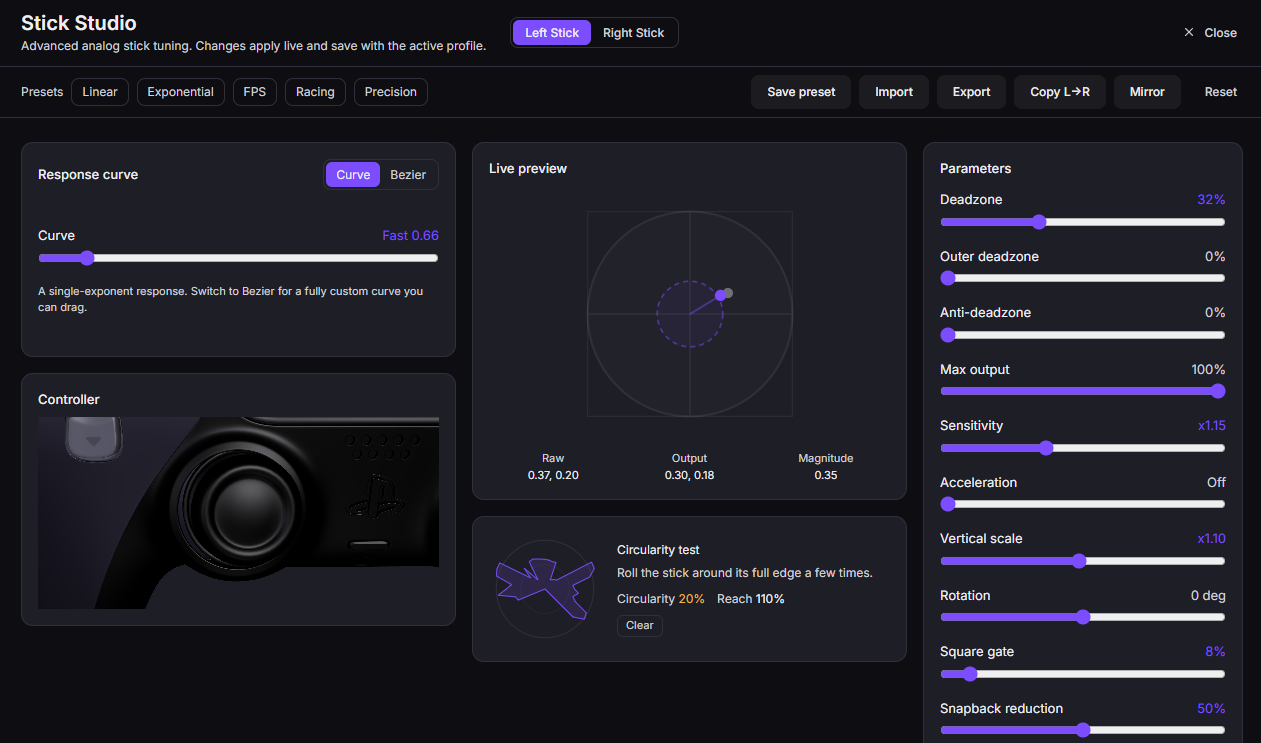
Open the Sticks tab to shape each stick independently. Watch the live stick trace as you move to see your changes take effect.
Response curves
A curve remaps how far the stick reads against how far you push it. Presets like Precision (finer control near center) and Aggressive (faster ramp) cover common feels, or draw a custom curve by hand for exact control. Use this to soften twitchy aim or speed up slow turns.
Deadzone
Deadzone ignores stick input near the resting center. Raise it if a worn stick drifts or creeps when you let go. Keep it as low as the drift allows so small movements still register.
Anti-deadzone
Anti-deadzone pushes past a game's own built-in deadzone so the smallest real movement reaches the game immediately. Use it when a game feels unresponsive until you shove the stick well off center.
Anti-snapback
Anti-snapback smooths the overshoot that happens when you release a stick and it springs back through center. Turn it up if flicking away and letting go throws your aim the wrong direction for a moment.
Per-stick sensitivity
Scale each stick's overall range up or down. This stacks with any gyro sensitivity from Motion aiming, so a low stick value can pair with fine gyro.
Triggers
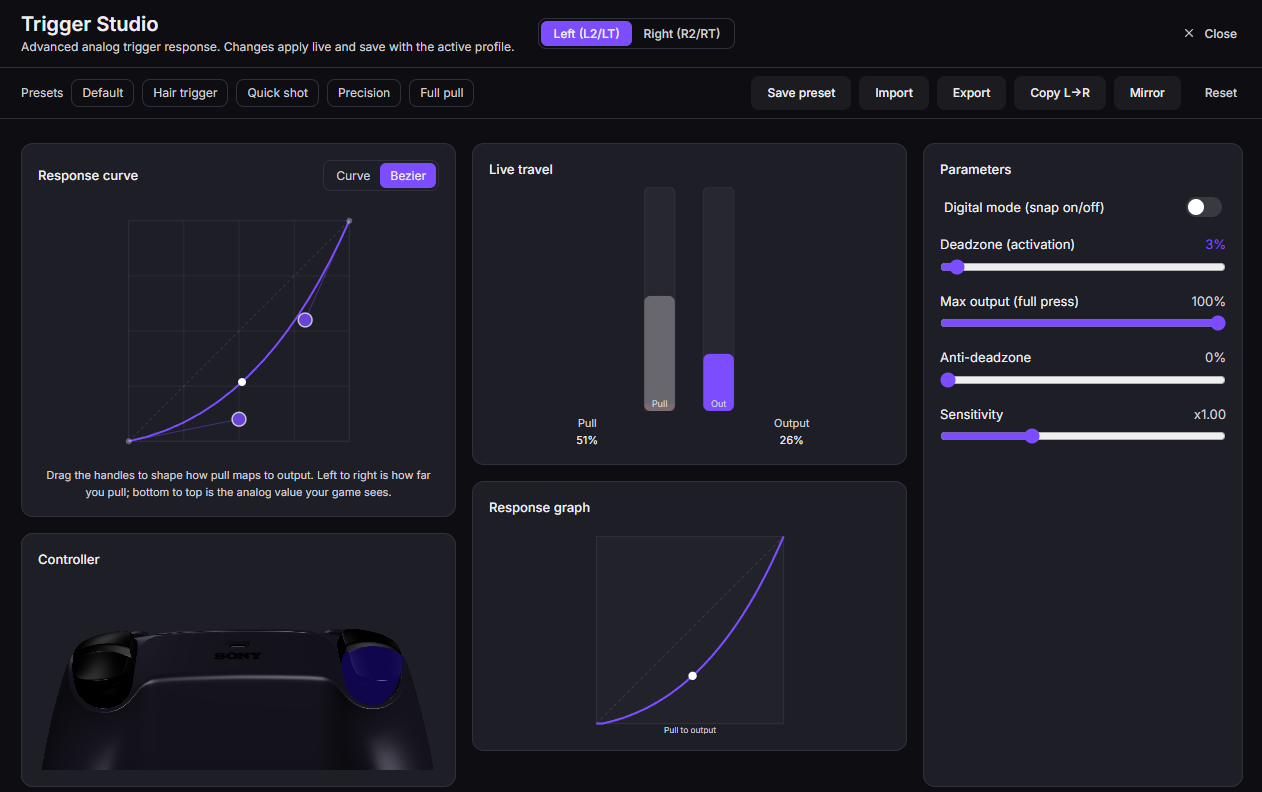
Open the Triggers tab to set travel points and read live pull.
Deadzone and travel
Set the point where a trigger starts registering (deadzone) and the point where it counts as fully pressed (travel). Shortening the travel means a lighter pull fires all the way, which helps for driving and shooting.
Live histogram
The histogram plots your real trigger pull over time. Use it to see exactly where your deadzone and travel points sit against how you actually squeeze, then adjust until the fully-pressed zone matches your finger.
DualSense adaptive triggers
On a DualSense you can set adaptive-trigger effects so the trigger adds resistance or a stop point. These extras come over USB.
Button-to-trigger
Route a button so that pressing it outputs a full trigger pull. Use this to map a paddle or face button to an analog trigger for a game that expects one.
Emulation
Adaptive-trigger and analog output reach a game through a virtual pad. See Emulation for how OmniControl presents an Xbox 360 or DualShock 4 device.
Fix drift first
If a stick or trigger reads uneven at rest, run the Calibration wizard before tuning. It measures drift and stores a snapshot per profile so your curves start from a clean baseline.
Anti-cheat boundary
OmniControl is for single-player and controller-friendly games. It is not for defeating anti-cheat, and kernel-anti-cheat competitive shooters are out of scope.